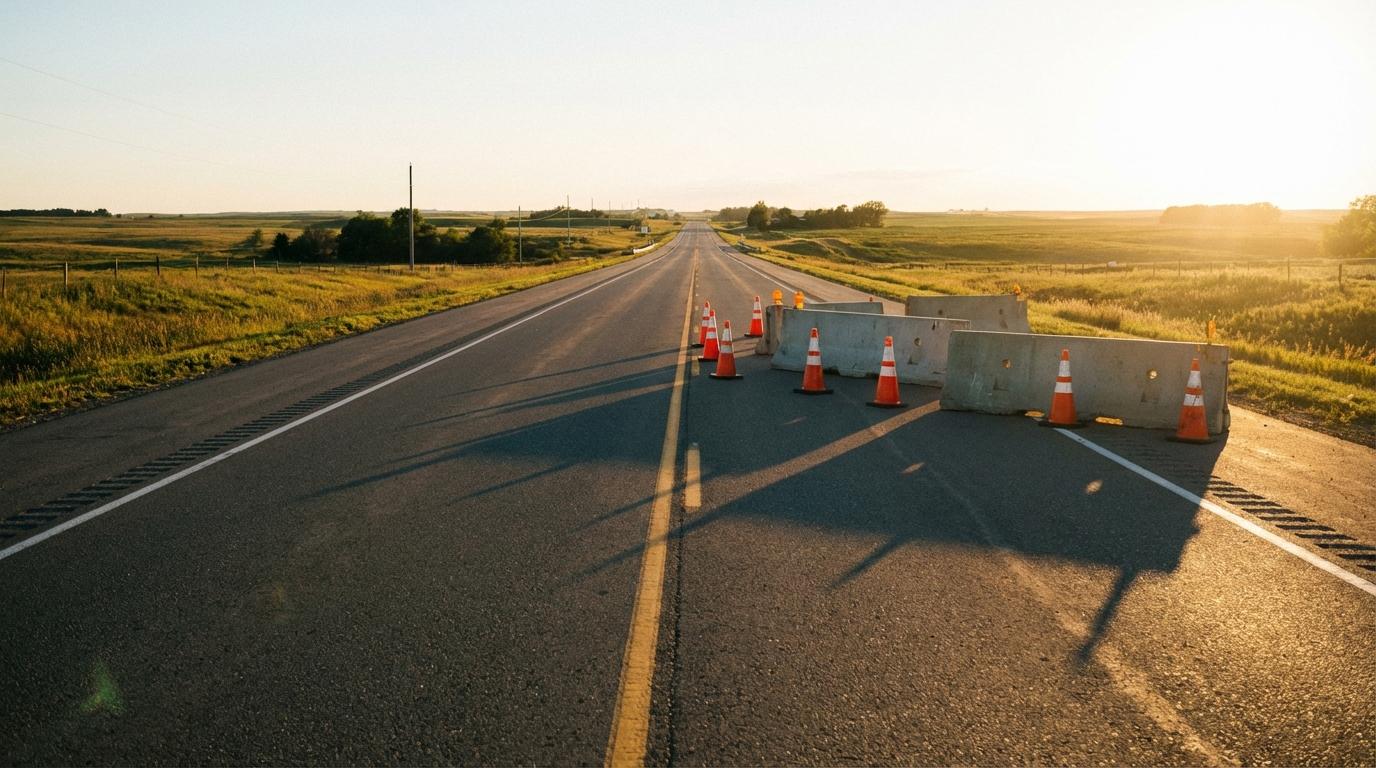
Most people assume their navigation app knows about every construction zone on the road. It only knows about the ones somebody told it about, and that list has a lot of holes in it.
Construction data gets stitched together from several sources, each with its own gaps. Most of the time you never notice. Once in a while it sends you straight into a lane with cones across it.
Where the Closure Data Comes From
Cities and counties publish road closure feeds. These are structured data files updated on whatever schedule the public works department keeps, which can mean every morning or whenever somebody remembers. Your navigation provider pulls those feeds in and lays them over the map, at least in theory.
There’s no standard format. One county publishes closures with GPS coordinates a computer can read, while the county next door posts a scanned notice on Facebook.
State transportation departments run their own feeds, and those tend to be better kept for highways. Interstate work usually shows up. The side street repaving three blocks from your house probably doesn’t.
Then there’s what drivers report. Waze built its whole app around this, and Google, which bought Waze in 2013, lets Google Maps users report crashes and lane closures as well. On top of that, Waze runs a program where cities send their closures straight to it, which helps in the towns that bothered to sign up.
A report from one driver usually doesn’t change much. When several people flag the same spot inside a short window, the app starts treating it as real. That’s a big part of how map providers actually collect road data: lots of small, shaky pieces checked against each other until enough of them agree.
Reports go stale, though. A closure someone flagged on Tuesday morning may be gone by Thursday because the crew moved down the road. Every app has to pick a point where it stops trusting an old report. Set it too short and real warnings vanish while the cones are still out. Too long, and a phantom closure sits on the map for weeks after the crew packed up.
The Road My Dad Complains About
My dad has been complaining about the same stretch of road for months. “They’ve had it torn up since October,” he says every time we drive past. He’s right, and Google Maps still shows nothing there.
Small municipal jobs fall through the cracks all the time. Maybe the contractor never filed a closure permit with whatever system the app watches, or filed it with dates that stopped matching reality long ago. A job that was supposed to take 2 weeks is now in month four, and nobody went back to change the end date.
Utility crews are worse. When a water main breaks, a crew blocks a lane for the afternoon and nobody files anything. The only clue the app gets is drivers suddenly slowing down in one spot, and it takes a while before the software can tell that apart from ordinary traffic.
I ignore construction warnings myself sometimes, usually because the road was fine the last time I drove it. Last fall I did that on I-70 and spent the better part of an hour crawling through a single-lane merge.
Official Feeds or Driver Reports
You need both, because they miss different things.
Official feeds are better for planned, long-term work like highway widening or a bridge replacement. Those projects get filed months ahead and show up reliably. Driver reports catch what the official side misses, such as a flagging crew that appeared this morning or a lane that closed after lunch. When an app lays one over the other, a state feed marks a stretch of highway as under construction and drivers add what matters on the day, like “right lane only” or “stopped at the bridge.”
Before You Leave
Check the route itself before you go, not just the arrival time. Zoom in on the stretches you already know are being worked on and see whether the app agrees with you. If it warns you about something and you think you know better, take the warning anyway.
When you pass construction your app missed, report it, but let a passenger do the tapping or wait until you’re parked.
Thanksgiving, Three Cars
Last Thanksgiving I led a three-car family convoy to my uncle’s place. My cousin Daniela was riding in the car behind me. Partway there, the app rerouted us around construction on the main highway and added a few minutes to the drive. I almost took the highway anyway, since I’ve driven it many times and the detour looked slow on the map. We took the detour.
Twenty minutes later we stopped for gas, and Daniela walked over holding her phone. She had been checking the highway from the passenger seat, and it was at a complete stop, with people online saying it had been backed up for over an hour. “If you’d ignored that reroute,” she said, “I would never have let you plan a drive again.”
That highway didn’t clear until after dark.