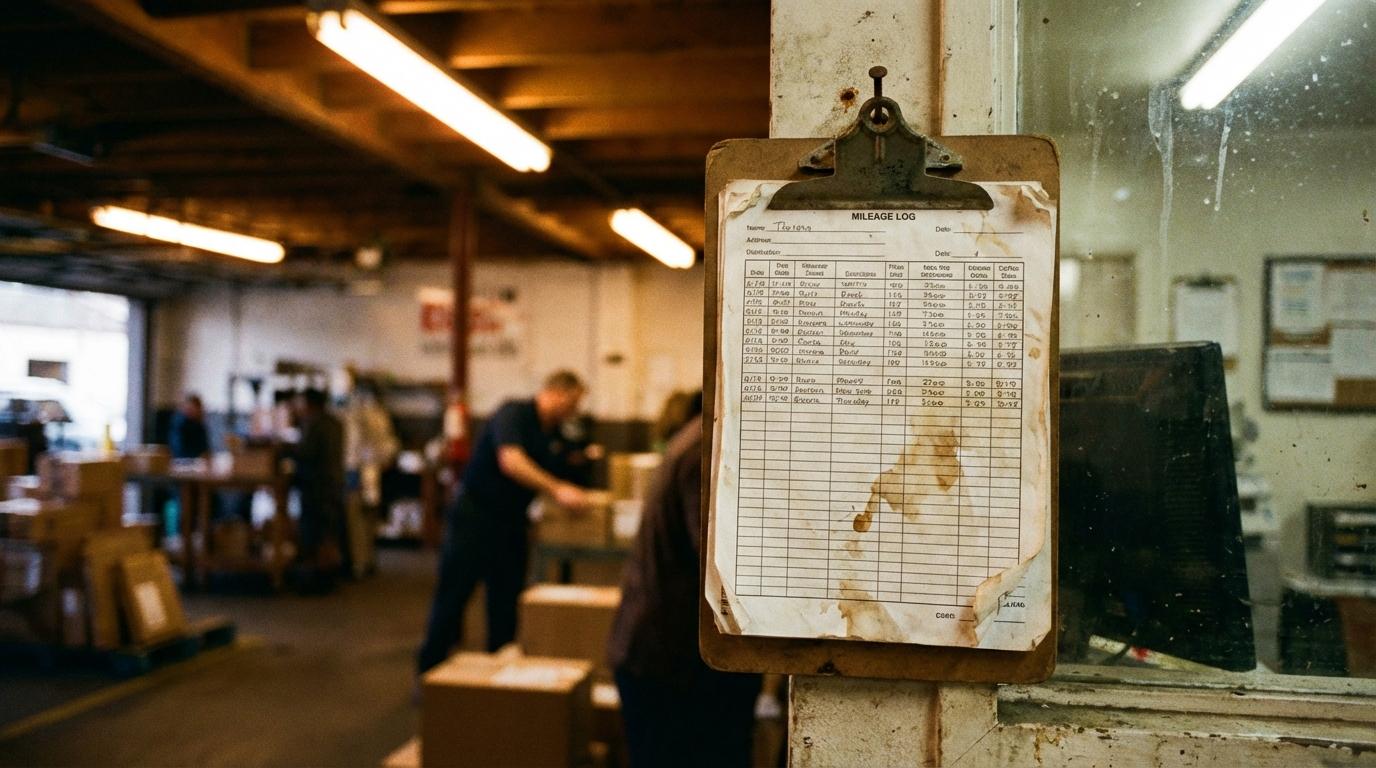
Everyone says fleet tracking pays for itself. Nobody mentions the part where the dashboard sits untouched for months.
I know this because I lived it. Before I managed logistics, I drove deliveries, and at my first job there was a clipboard hanging next to the dispatch desk. Drivers clipped their mileage logs to it at the end of every shift. Once a month somebody scooped the sheets into a drawer. As far as I know, nobody ever added them up. I think about that clipboard whenever I see a tracking dashboard parked in a browser tab that nobody has clicked on since spring.
The data was there and so was the process. Nobody had been told to read it.
The Dashboard Nobody Opens
Most rollouts I have watched go roughly the same way. In week one everybody logs in and the operations manager walks the VP through the map. Someone posts a screenshot of a route replay in Slack with a row of fire emojis under it.
A few weeks later the logins thin out.
After a couple of months, one person checks it now and then. The system keeps writing location history into a database that nobody queries.
Buying the software was a decision somebody signed off on once. Looking at it every week is a habit, and nobody puts that in the budget. I have talked to operations managers who could not tell me the last time they logged into their tracking platform. They did not exactly forget about it. Their onboarding covered every feature in the menu and never got around to who would sit down with the data, or on which day. Without that, the login drifts down the to-do list until it drops off the bottom.
Alert Fatigue Will Wreck Your System
Some managers try to fix the nobody-looks problem by switching on every alert the platform offers: speeding, harsh braking, idle time, geofence entry and exit, late departures, early arrivals.
Your phone buzzes all day, and within a week you stop reading the notifications. I still catch myself letting messages from our own tracking system pile up unread for days, which is a bit embarrassing given what this post is about.
Cut the alerts down to the couple of things that actually cost you money when they go wrong. For us that was late deliveries and unplanned stops over 15 minutes. Those get an alert, and everything else waits for the weekly report.
The first week after we made that change, my phone went almost quiet, and I kept picking it up to check whether something had broken.
Put Somebody’s Name on It
A dashboard needs an owner, and “the operations team” does not count. It has to be one person whose name is on the task.
Nathan Niese, director of national client partnerships at fleet management company Mike Albert, put it directly: “Digging into your data takes resources. You need an experienced analyst to look at your data, compare it against similar businesses, and pinpoint the actionable insights that are the most valuable for your fleet.”
The word that matters in that quote is “analyst.” You can pay for an expensive platform and get nothing back because nobody is assigned to review it. A much simpler setup, like real-time field team tracking that shows where your people are and when they will get there, still only earns its keep if someone opens it on a set day.
Here is how I split it on my team. One person reviews route times on Monday mornings. Idle time and fuel belong to a dispatcher who usually gets to them Tuesday or Wednesday, depending on how bad her week is. A third person pulls the safety report before the Friday standup and has been known to push it to the following Monday. Each review takes about 20 minutes when it actually happens. Before we assigned anyone, we were losing roughly $2,400 a month in fuel, and the numbers showing it had been sitting in the system the whole time.
Once we had reviewers, fuel costs dropped 12% in the first quarter without changing a single route.
Most of what changed was that people knew someone would ask about their numbers that week. I am usually the one asking, and I am not subtle about it.
Weekly Digests That Actually Get Read
Most tracking platforms can generate automated reports, and the default ones dump every data point the system captured into a 30-page PDF. Nobody reads that on a Monday.
Build a digest that shows only the exceptions. Mine includes:
- Routes that took significantly longer than estimated
- Vehicles with idle time above the fleet average
- Any unauthorized after-hours movement
- Top three drivers by hard-braking events
It fits on one page. If the exception list is empty, I close it and get on with my day.
The thresholds have to match your operation, because vendor defaults rarely fit. A courier service expects very different idle times than a construction crew managing field teams, where a truck can sit at the site most of the day while the crew works and nothing is wrong. I spent one afternoon calibrating ours and have barely touched them since. Trends are the other thing a short digest shows you. When the same driver lands on the hard-braking list for three weeks running, that is a conversation to have with him. A route that keeps running long no matter who drives it is a planning problem, and blaming the driver for it gets you nowhere.
The Real Cost of Unread Data
Collecting data you never review costs more than the subscription. Management assumes somebody is watching the fleet because the system is running and the bill gets paid every month.
I once watched an operations manager pull up a full quarter of tracking history after a client complaint and say “the data was there the whole time.” It was. The same late arrivals showed up week after week, and the first person to look at them was the one answering the complaint.
Some teams invest in better mapping data and route tools before fixing the basic issue of nobody reviewing what they already had.
Before You Buy Anything Else
Before you upgrade the platform or add another analytics tool, write down who reviews the data and on which day. Put it in that person’s calendar as a recurring 20-minute slot with the digest attached. For the first month, ask them about it the next morning, every time, even when the answer is “nothing showed up.” After a few weeks the review happens without you asking, and that is usually when the first real saving turns up.