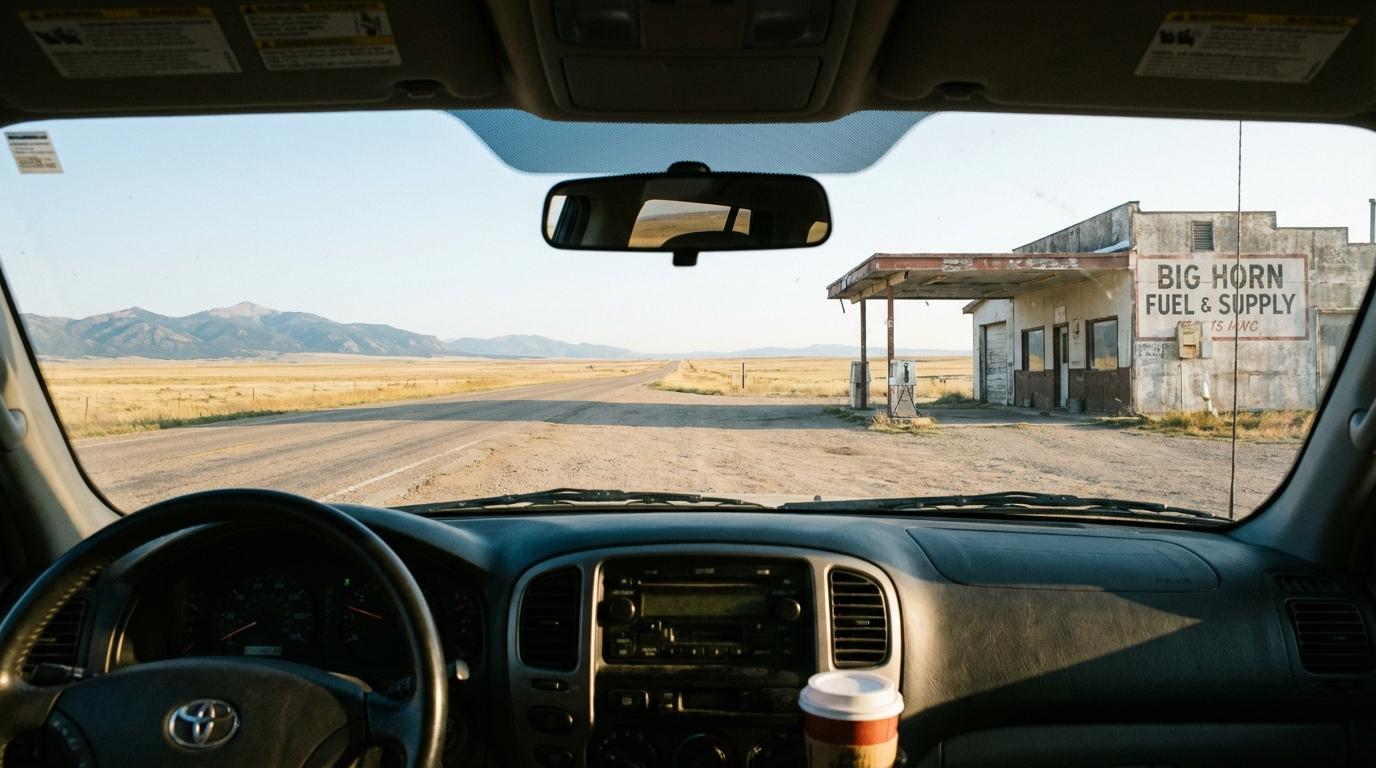
The summer we drove five cars to Yellowstone, I genuinely believed Find My Friends was enough to keep us together. That confidence lasted until the stretch north of Casper, Wyoming, where the dots for every other car froze and stopped updating for close to an hour. Parked at a gas station with the engine ticking as it cooled, I zoomed in and out on the map as if that would shake something loose. I was close to calling highway patrol when my phone buzzed with a text from my friend Jess, sent the moment her car crested a hill and caught signal: “we’re fine, just no signal.” A few minutes later she pulled in behind me with beef jerky on the dash.
Everyone was fine, which was great, except I had spent all that time with no way of knowing it.
The Dead Zone Problem Nobody Plans For
Location sharing apps work the way you’d expect: your phone works out where it is and sends that over cellular data to a server, which passes it on to everyone else. GPS itself keeps working without cell service because it comes from satellites, so the weak link is the sending, and with no cellular connection your location sits on the phone with nowhere to go while your dot freezes on everyone else’s map.
Rural highways out West are full of these gaps, and central Wyoming has long empty stretches where my carrier dropped to nothing for miles while the sagebrush rolled past the window. Anyone driving through one of those becomes invisible to the rest of the group, and their dot just sits there. Maybe they pulled over to photograph antelope by the fence line, maybe they blew a tire on the shoulder. You end up sitting in a parked car with the windows down and the heat coming off the asphalt, staring at a frozen pin and guessing.
Your Phone Is Working Against You
Dead zones aren’t the only problem, because your own phone can quietly shut down the app that’s supposed to be tracking you.
Both Android and iOS have aggressive battery optimization that suspends background apps. Set up your location sharing app, switch over to Spotify or your navigation app, and the phone may decide the tracking app isn’t important and put it to sleep. How hard it does this depends on who made your phone (Samsung’s battery management is particularly aggressive, and Xiaomi phones are notorious for it), but either way the app stops sending updates even with full bars.
The fix is quick if you do it before you pull out of the driveway. Android lets you switch off battery optimization for a single app in Settings. On iPhone, make sure location permissions are set to “Always” and not “While Using.” Apps that run as a foreground service, with a notification in your status bar the whole drive, are much harder for the phone to kill, and that little icon can be annoying but it’s the reason tracking keeps working.
Nobody in our group had done any of this before Yellowstone, including me, and I’m supposed to be the organized one.
What Actually Holds Up
The apps that survive a road trip are the ones built to track you continuously, and the location sharing baked into your messaging app was built for something else. It checks where you are every so often and assumes you’ll have signal when it does. That’s fine for telling a friend which coffee shop you’re in while the espresso machine hisses behind the counter, but on a highway through rural Montana, with nothing on the radio except static, it falls apart.
Apps built for group navigation treat tracking as the main job and run it as a foreground service, so the GPS and the connection to the server stay active even with the screen off. If you see a persistent notification that says something like “actively tracking your location,” that’s what is keeping the phone from shutting things down, and I’ve come to find it oddly comforting.
Before You Leave
Look at your route for dead zones before you go, and where the coverage map goes blank, agree on check-in points instead. “Everyone texts when they hit Thermopolis” holds up better than trusting dots on a map through Wind River Canyon, where the red rock walls close in and your phone gives up looking for towers. If one car doesn’t check in within a reasonable window, somebody calls around or turns back, and when nobody has signal at all you regroup at the next town that does.
Everyone in the group needs to turn off battery optimization for the tracking app, not just whoever organized the trip.
If you’re navigating with a separate app, the tracking app needs permission to keep running in the background, and a setting of “While Using” won’t keep it alive once your map is on top. Some apps handle offline situations gracefully by saving location points while you’re out of range and sending the whole stretch once you’re back, so you still get the full picture, just late.
The Part That Stung
After Yellowstone we were eating dinner in Jackson, hair still smelling of campfire smoke, when my friend Tara said, “I thought you had the tech side handled.” She wasn’t being mean about it. In our group I’m the one who checks the tire pressure and calls the cabin to confirm the reservation even after the email comes through, so she assumed I’d tested everything. I had set up the app that morning and watched everyone’s dots appear in the driveway, and never once thought about what happens when the signal goes. Outside Casper I spent an hour at that gas station with my thumb hovering over the call button, and I didn’t tell anyone at the table that part. Jess told them for me, and she still brings up the highway patrol thing every time I volunteer to plan a trip.