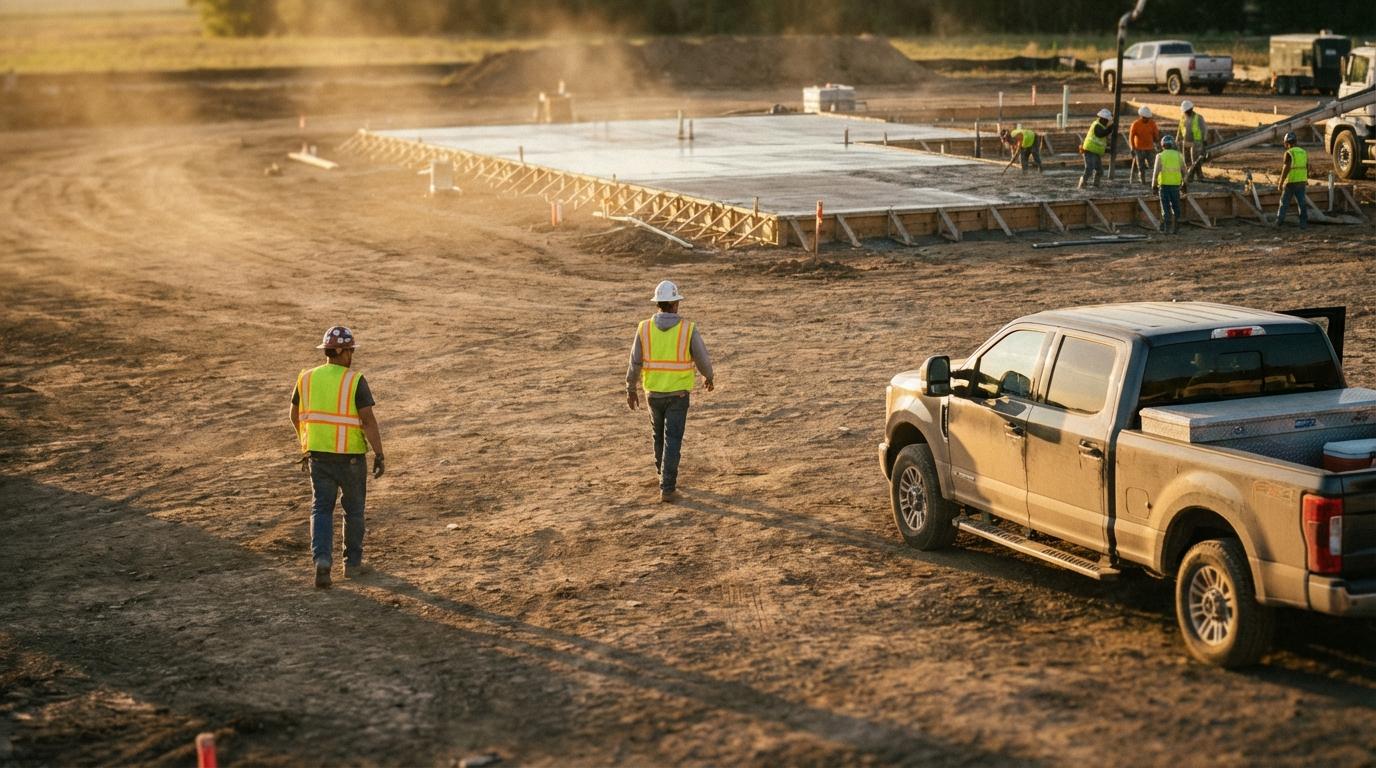
A GPS tracker wired into a pickup reports where that pickup is, on a timer and whenever the ignition changes state, and it keeps doing that whether anyone is sitting in the cab or not. I didn’t think hard about that until I spent a few months doing contract software work for a construction company outside Dallas. They had paid for a tracker on every truck and most of the heavy equipment, and their project managers still started each morning trying to work out where their people were.
The day it clicked for me involved a foreman named Ray. He drove his truck to Site A in the morning and worked there until lunch, when the crew at Site B needed him and a coworker gave him a ride over. His truck stayed where it was. Mid-afternoon the PM pulled up the tracker, saw Ray’s truck at Site A, and called the superintendent there, who hadn’t seen Ray since he left with half a sandwich in his hand. Ray’s comment to me later was, “My truck was at one site and I was at another, and nobody knew which one to believe.”
What that green dot really meant
Most hardware trackers are built around the vehicle’s ignition. While the engine runs they send a position every minute or so. Once it’s off they drop into a low-power mode and check in rarely (every few hours on the units this company had), because they draw from the truck’s battery and nobody wants to come back to a dead pickup on Monday. On this company’s units the check-in interval couldn’t be changed from the web portal, which I found out by trying. A parked truck therefore shows up with a recent “last seen” time and a green status dot, which to anyone glancing at the screen looks exactly like a truck somebody is working next to.
Crews on those jobs swapped vehicles constantly. Foremen borrowed trucks when theirs was in the shop, and apprentices almost never drove themselves anywhere; they rode with whichever journeyman happened to be heading the right way. By the end of an ordinary day, where the trucks had been and where the work had happened had drifted well apart, and nobody had a record of the second one.
My own first recommendation, before I understood any of this, was to put trackers on the few trucks that didn’t have one yet. I dropped that idea after about two weeks of riding along with the crews.
Follow the phone instead
Every person on those crews already carried a smartphone with a GPS chip in it. If the location comes from the phone, it goes wherever the person goes, out of one truck and into another or across a muddy site on foot, and there’s nothing to wire under a dashboard or any magnet mount to shake loose on a gravel access road. (People sometimes assume phone location is much worse than a hardwired unit, but outdoors on an open site a modern phone is usually accurate to within a few meters, which is plenty to tell one job site from another.)
I’m hardly the first person to notice that your workers already carry GPS trackers in their pockets. Most companies I’ve talked to just never connected that to the trucks-versus-people problem, partly because the people selling them trackers had no reason to bring it up.
Maria’s phone calls
The company’s dispatcher, Maria, spent the start of every morning calling foremen to confirm they’d reached their sites. With seven active sites that meant seven calls, and a good share went unanswered because the foreman was running a machine or walking a foundation with an inspector.
Once the foremen were sharing location from their phones, her calls shrank to whoever’s dot she couldn’t find, usually because of a dead battery.
That’s roughly the setup Konvoyage for field teams is built around. A foreman starts a trip in the morning, the crew joins with the 6-character code, and everyone in it shows up on a live map from their own phone, updating every few seconds while they move and still updating with the phone in a pocket and the screen off. For someone like Maria who isn’t in the trip, any member can send a live view link that opens in a browser with no app and no account, showing each person as a dot labelled with their first name.
It doesn’t draw zones around sites or fire alerts when someone crosses a line, so somebody still has to look at the map. After the trip, members get a replay link with a timeline of who joined and when, which is about the closest thing it has to a sign-in sheet.
The question I didn’t expect came from a couple of the older guys on the crews, who wanted to know whether the office would be able to see where they went on Saturday. Konvoyage only collects location while someone is in a trip, so once they leave the trip at the end of the day nothing is being recorded. We told them that on the first day, and a couple of them asked again the next week anyway.
The pour at Site C
What finally moved the owner was a concrete pour. Early that morning the PM saw the crew’s usual truck on site in the vehicle tracker and told dispatch the mixer could go. That truck had been parked there since the previous day’s pour. The crew had come in another vehicle and was stuck in traffic twenty minutes out, so the mixer sat waiting and the supplier’s waiting charges ate most of the margin on that job.
They were paying every month for trackers on about forty trucks and pieces of equipment. I’ve laid out how hardware trackers and phones compare in more detail elsewhere, but the owner never read anything like that before he made up his mind.
If you’re thinking about switching
Start with foremen and site supervisors, since they’re the ones PMs call all day.
Crew leads come next, because they move between sites the most and are the hardest to find from a truck’s position. Keep the hardware trackers on equipment if theft is a real worry for you, since that’s the job they were designed for and a skid steer doesn’t carry a phone.
For as long as I was there, Ray kept leaving his truck at one site and catching a ride to another. If your PM had to find him this afternoon, which screen would they check first?