Eight of us drove up to northern Michigan, and three of us never showed up on the map. I’d picked the tracking app myself, and I’d even tested it.
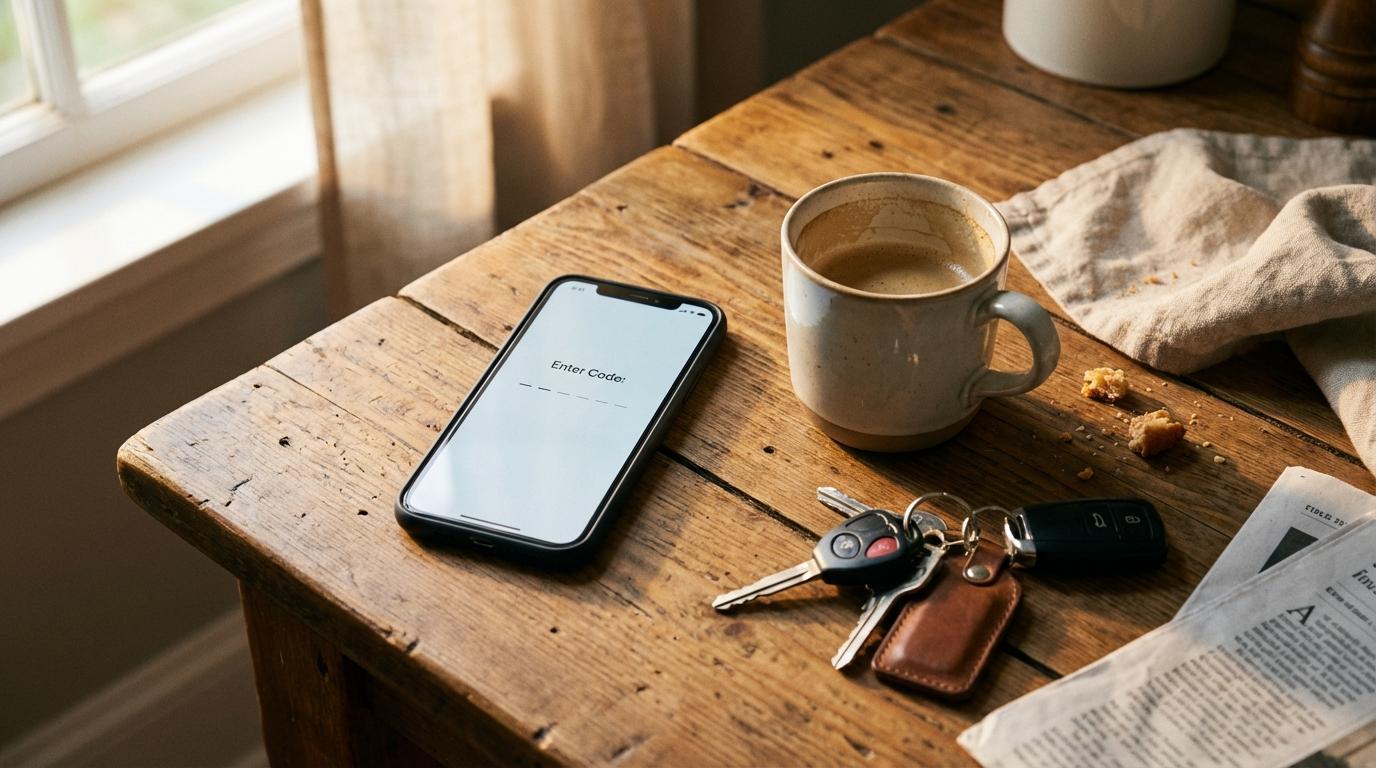
That test happened at my kitchen table, laptop open, coffee going. The app wanted an email address, a password with an uppercase letter and a special character, a code sent by text message, and a profile photo. I got through it, shrugged, and sent the invite link to the group chat on a Tuesday night. Annoying, but fine, I figured. Anyone with a phone can type a password.
By Thursday morning, the day we left Chicago, the same three people still hadn’t signed up.
Of course they were all in the same car. Nobody refused. One forgot, one was busy packing a cooler, and the third assumed someone else in the car had the app running. For the whole drive their car just wasn’t there.
Past Kalamazoo my phone buzzed. “At a rest stop, getting gas, you guys ahead of us?” I spent the last hour of that drive flipping between the map and the group chat, trying to work out whether they’d taken a different highway or stopped for food. The app I’d chosen to kill the “where are you” texts had produced a fresh batch of them.
What I got wrong at the kitchen table
My mistake was testing the signup as the person who wanted the app. I was motivated. My laptop was open to grab the text code. The people who mattered were the ones who didn’t care about the app at all.
Every group has the same mix. You get the planner, which is me, and maybe one friend who likes trying new apps and signs up before you finish explaining. Then there’s everyone else, who will happily use whatever you hand them as long as it doesn’t ask much. They aren’t lazy. Mostly they’re finding a phone charger, arguing about who sits in the back, and texting their mom that they’re leaving, and “create an account” lands at the bottom of that list.
Each field on a signup screen is a spot where one of those people puts the phone down and says “later.”
Later turns into the on-ramp. Watch for it next time you send a link.
We talked about this at the debrief after Michigan, half joking, and the guy from the missing car said something I still remember: “If it had been one button I’d have pressed it.” He wasn’t exaggerating much. None of them had anything against the app. They had something against a form with four steps, filled in on a phone, in a driveway, with a cooler to load.
For a while I thought the answer was no accounts at all
I wrote an earlier version of this post arguing that a group app shouldn’t have accounts, period. Type a code, type a name, you’re on the map, and when the trip ends everything is gone. My friend Dev liked that idea a lot, since he’d already turned down one location app because he didn’t want another company keeping a file on where he goes.
Then came a cabin weekend where the other car split off at a fork somewhere in the hills and lost us for a good while. Dev was driving that car. He swore he’d followed the sign, his passenger swore he hadn’t, and the argument went on through dinner and most of the next morning. Afterward Dev asked me which way they’d actually gone. Nobody knew, and there was nothing saved to check. Without accounts there was no trip left to look at.
What signing in looks like now
Konvoyage asks everyone to sign in before they create or join a trip, the people joining included. It uses the Google account that’s already on your phone. Tap sign in, a list of your Google accounts pops up, and you pick yours. You don’t invent a password, you don’t type an email address, and nothing gets texted to you.
After that you type the 6-character trip code. Your name is already filled in, so you check it says what you want your friends to see, and you’re on the map.
Someone can still stall at the account picker. My aunt would, for sure, because she has more than one Google account and never remembers which one is on her phone. A couple of taps isn’t nothing. Compared to the Michigan form, though, it’s something you can finish while somebody else loads the trunk, and the Michigan form needed a laptop and a patient mood.
The account does buy you a couple of things. My Trips shows the trips you’re in right now, so if your phone restarts at a gas station or you swipe the app closed by accident, you rejoin from there instead of scrolling the group chat for the code. After a trip ends, you get a replay link, both as a notification and in a trip summary email, that plays the whole drive back on a map in your browser. I’ve made the case before that a replay beats a photo dump. It would have answered Dev’s question about the fork in about a minute.
What Dev read before he tapped anything
Dev read the privacy page before he signed in, which is more than I’d done. Your location is only collected while you’re actively in a trip. The location points get stored so the replay can work, then they’re deleted automatically about 30 days after they were recorded, and the replay link stops working 30 days after the trip ends. Basic trip details like the trip name, code, destination and who was in it are kept longer, up to 24 months. There are no ads in the app and your data isn’t sold. You can delete your account from inside the app, and that takes your trip history and location history with it.
One catch: anyone you send a replay link to can watch it, so think before you drop it in a big group chat.
Dev still grumbled. He’d have preferred no account at all, and he told me so more than once while loading his bag into the trunk. The 30-day delete was enough for him to sign in, though, and on the next trip his car was on the map from the driveway to the cabin. We even went back to the fork. He took the right road this time.
Three people in one car never got around to a signup form, and we drove to Michigan without them on the map. I think about that every time I send a trip code.