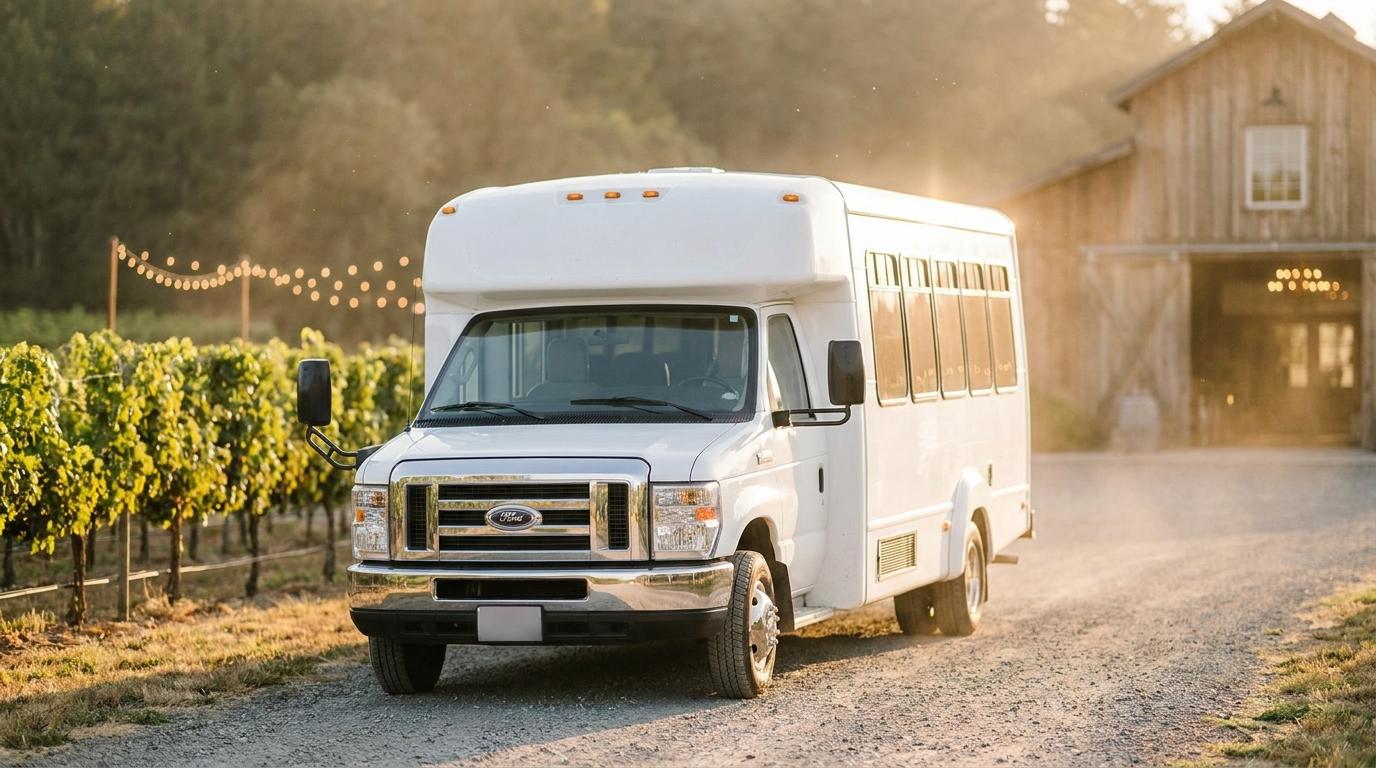
Nobody warns you about the shuttle job.
My friend Luka got married last summer at a winery up in the hills, about forty minutes of bends from town. The ceremony was in a small church in the village below, and the guests were split across two hotels. He hired one minibus with a driver for the whole day. Somewhere around the rehearsal dinner, making that bus work became my problem, mostly because I once organized a ski trip and people remember that kind of thing.
The driver knew the roads and showed up early for the morning run. My problem was every guest who didn’t know where the bus was texting me, while I stood in the church car park with no idea either.
The smaller hotel
The morning run left from the bigger hotel, picked up at the smaller one on the way, then went down to the church. On paper the stop at the small hotel came a few minutes after the first pickup. In practice the driver waited at the big hotel for a cousin who had lost a shoe.
I got calls from that lobby. Several.
Luka’s aunt decided they’d missed it and ordered a taxi. The bus pulled up while she was getting in, so she paid the taxi driver something for his trouble and got on the bus anyway. Later I read a piece on what wedding shuttles get wrong, and the hotel lobby problem is in there too. I spent a good part of the ceremony working out what to change before the bus ran guests up to the winery.
Darko’s phone
Darko, one of the groomsmen, was riding the bus anyway because he was staying at the small hotel. He had Konvoyage on his Android phone from an old road trip and was already signed in with his Google account, which you need before you can make a link. I asked him to share his drive for the rest of the day.
In the app that’s the + button, then “Share my drive.” It asks for a name and an optional destination. Tap “Start sharing” and the phone’s normal share menu pops up with the link. Darko pasted it into the wedding WhatsApp group. Anyone who tapped it got a map in their browser with a dot labelled “Darko” moving up the hill road, and the arrival time at the winery shown as a clock time.
Guests didn’t need the app or an account to open it.
Then I made a mistake. Darko had typed the winery in as the destination, and a shared drive with a destination ends when you get there. So the bus reached the winery, the link stopped, and the next trip down to the hotels had no map at all.
Leave the destination blank if the bus is going to loop. Without one, sharing runs until you stop it, or for up to 4 hours. You lose the arrival time and just get the dot, which on a loop was enough for us. We had to restart it before the late runs, so Darko did that from the bar and posted the link in the group again.
Who actually opened it
Fewer people than I expected, and mostly the right ones. Most of the older relatives never touched it and asked whoever was standing next to them. People who used it were the ones in a hotel deciding whether to finish a coffee or go stand outside.
I also sent the link to the reception desk at both hotels. That did more than the WhatsApp post. Guests ask the front desk things all day, and a receptionist who can glance at a map and say “it’s just leaving the village” answered questions that would otherwise have come to my phone during the speeches. The page only allows about 20 people watching per trip, which sounded tight to me at first. It was never a problem. Usually one person looked and told the room.
With a second bus I’d have used a trip
Luka only had the one bus. With two, I’d skip Share my drive and create a trip instead, get a rider on each bus to join with the trip code, then tap the trip pill at the top of the map and pick “Share live view.” Guests see every trip member on one map, labelled by first name, so tell people which bus is Darko and which is Ana before the link goes out. The page doesn’t show the chat or the code, and nobody can join the trip from it. Charter companies have the same problem at a bigger scale, and there’s a decent write-up on how charter bus companies handle passenger pickups if you’re dealing with more than a couple of vehicles.
The last run
The last bus left the winery at 1 a.m.
People have been drinking wine since the afternoon, and the bus is the only way back that doesn’t involve trying to get a taxi to a winery in the hills at night. Our minibus couldn’t take everyone at once. It took the first load down to the big hotel and then had to come back up for the rest, which meant forty minutes down and forty back with a crowd waiting on the terrace.
Darko stayed on the bus for the whole loop, down to the big hotel and back up, because his own hotel was the last drop. So the phone was on the bus the entire time. The people left on the terrace watched the dot reach the hotel and turn around. Somebody read its position out loud every few minutes. Two of Luka’s cousins still went down to the car park early and stood in the cold.
There’s one stretch of that road with no coverage. For a minute the page showed “no signal” under Darko’s name, and a couple of people asked me if the bus had broken down. Then the dot came back further down the road. If your venue is somewhere with patchy signal, tell people this can happen before it does.
Next time I’d plan who rides the full loop with the phone. We got lucky with Darko’s hotel, and I hadn’t thought about it at all.
The bus reached the small hotel just before two. I was on it, asleep against the window, and Darko had to wake me.