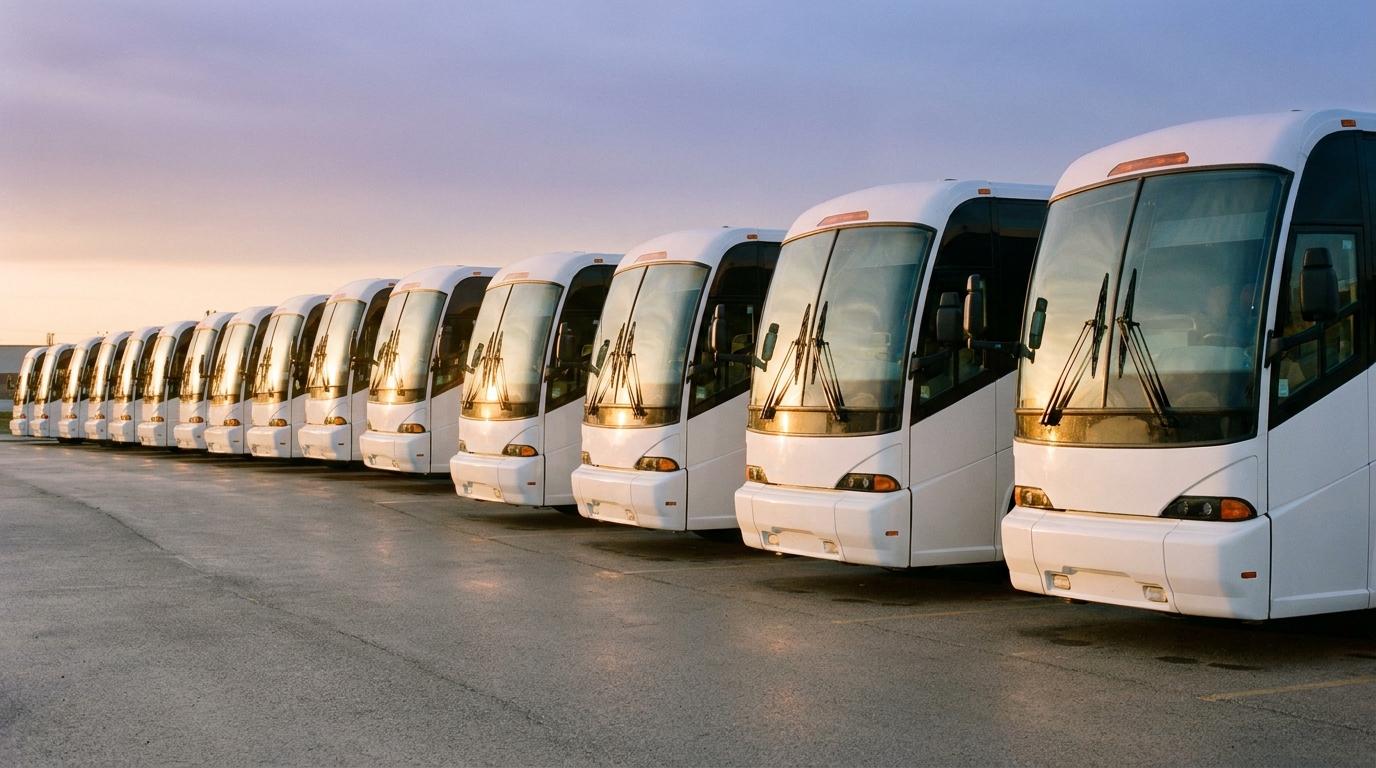
Our dispatch line took four calls about the same bus on a Saturday morning last spring. Every one of them came from the manager of a youth soccer club, standing outside a hotel with a team of kids and a pile of kit bags, waiting on a coach that was due at the curb at 7:45.
The driver was fine. He had left the yard on time, hit a lane closure on the ring road, and was running about twelve minutes behind. He knew that, and I knew it too, because I rang him after her second call. She had no way of knowing it unless she phoned us and waited on hold while Tanya on the desk got the driver on the radio, and the estimate she got was already a few minutes old. By the fourth call she was asking whether the club should start texting parents about a late kickoff.
Before I moved into the office I drove coaches, so I have been the far end of that chain plenty of times, with the phone buzzing in the cup holder at a red light and a dispatcher asking for a number I had already given twice.
The person waiting at the curb
Charter tracking has been built for the office. Most of what gets sold to operators puts a dot on a screen at dispatch and stops there, and the group leader, who is the person actually standing in the cold with the list of names, never gets a view of her own. I agree with most of this piece on why charter tracking is still stuck in 2005, and that gap is the part I would put at the top of it.
Kids keep asking if they can run back up to the room for a charger, and every white van that turns the corner gets her hopes up for half a second.
Giving her a link instead of a phone number
What we tried after that Saturday needed no hardware and no change to how we book work. The driver opens Konvoyage on his own Android phone before he leaves the yard, signs in with his Google account, and taps Share my drive. He types the hotel in as the destination and taps Start sharing. Android’s share sheet comes up, and he sends the link straight to the group leader by text, or to us so the desk can forward it with the booking confirmation.
For a single coach, that is all the driver does. The link stops on its own when he reaches the destination he typed in, so nobody has to remember to switch it off at the end of the run.
Bigger bookings needed a different setup, and we worked it out on a wedding with two coaches. One driver created a trip in the app and the other joined it with the trip code. Either of them could then tap the trip name at the top of the map and pick Share live view, and whoever opened that link saw both coaches on one map.
Each coach shows up as a dot with the driver’s first name next to it, and that caught us out the first time. The bride’s mother had no idea who Dave and Marcus were. In her head the buses were the big one and the one with the grandparents on it, so she called the desk to ask which dot was which, and for about an hour we had swapped one kind of call for another. Since then the drivers add a line to the text when they share the link, something like “Dave has the band gear.” It is a clumsy fix and we still do it on every multi-coach job.
Tours that run over several days suit the trip version better than Share my drive. The driver picks how long the trip lasts when he creates it, up to two weeks, and the live view link keeps working until the trip ends or someone in it taps Stop live view. One link covers the whole tour, so the tour leader is not getting a new one every morning.
What she sees
She opens the link in whatever browser her phone already has, with no app to install and no account to make. The coach moves across a map toward the hotel pin, and under it sits an arrival written as a clock time, “arrives 7:52” for example, which is the format a group leader wants because she can shout it across a lobby. If the driver goes through a dead spot, his dot gets a “no signal” label instead of quietly freezing, so she is not left staring at a bus that seems to be parked on the motorway.
The next time we ran a pickup for that soccer club, the driver texted the link from the yard and the desk did not hear from the manager at all until she rang to ask if he could open the luggage bay. Before, it was four calls and four holds. After, it was one call about bags.
Where it falls short
The driver has to start it. If he forgets, there is no link and we are back on the phone, so we added it to the pre-trip walkaround, after the tire check and before he pulls out. It still gets missed on early starts now and then.
Because it runs on the driver’s phone, the phone has to stay charged and sit on a mount. Our coaches already had a USB port at the dash, so for us this was mostly a matter of reminding people to plug in. The one time it went wrong was a long run out to the coast, where a driver’s cheap cable charged slower than the navigation drained the battery, and the group leader’s map stopped updating somewhere past the halfway point. She called the desk, which was fair. He now keeps a proper cable in his bag and so does everyone else, because I bought a box of them. It also needs an Android phone. A couple of our drivers carry iPhones, and on their runs we still do it the old way, with the desk ringing the driver and passing the answer on.
I would not pull out the GPS units wired into the coaches either. Those track the vehicle, which matters for maintenance records and for anyone asking where a coach was parked overnight. What the group leader wants to know is when the driver will reach her, and his phone answers that. If you are weighing the two approaches, this comparison of hardware GPS trackers and smartphone tracking goes through where each one is the better choice.
People who get the link can watch and nothing else. They cannot message the driver or join the trip, and the page does not show up in search engines. That matters more than it sounds, because a group leader will forward it to the parents’ group chat within about a minute of getting it. Up to about twenty people can have it open at once, which covered every booking we ran with it.
Dispatch still has to ring the driver when a booking changes, because nobody watching the link can reach him through it.
Trying it on one run
Pick a booking with a tight pickup window and a group leader you already know will call. A few days before, ask the driver to install the app and sign in, and have him send one practice share to your phone from the yard so he has seen the screens before he needs them. On the morning itself he shares the link before he pulls out, and the desk texts the group leader to say a link is coming and that it opens in her browser.
The business side of Konvoyage is set up around tracking the people on a field team rather than the vehicles, which is a fair description of a charter driver’s working day anyway. For a first test, though, you only need one driver and one booking.
Afterward, count the calls that booking produced and compare it with the last job you ran for the same customer. Write the number on the whiteboard by the desk, next to the old one.