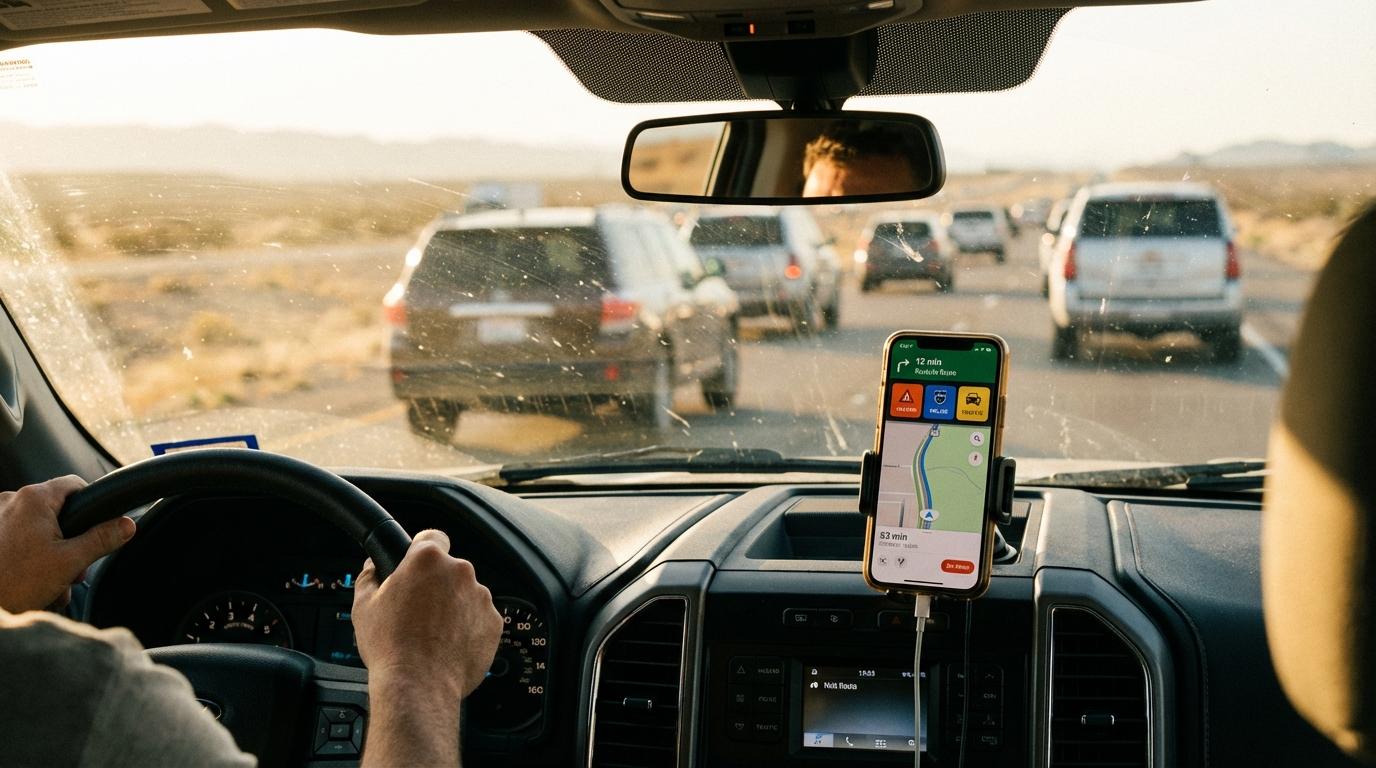
Stop reaching for your phone to type “where are we stopping?” while your car drifts toward the shoulder. I watched my friend Jake do exactly that on I-10 heading to Joshua Tree. He was merging with one hand on the wheel, thumbing a gas question into the group chat, and a pickup in the next lane had to brake hard for him. Nobody got hurt, and Jake never got an answer about gas because everyone else was driving.
I drove delivery routes for years before I moved into logistics, and every depot I worked out of had a rule about phones in a moving van. Friends on a road trip have no such rule, so they text. Most of what gets typed in a convoy chat while moving is some version of “hold up, I’m behind” or “there’s a cop on the shoulder.”
Konvoyage puts those messages behind a button.
Where the buttons live
On the trip map there’s a quick message button. Tap it and a sheet slides up from the bottom. The top row has two cards side by side, “Wait for me” and “Go ahead without me.” Under them sits a full-width red card that says “Report Police.”
One tap sends. The phone gives a short buzz and the sheet closes on its own.
Wait for me, or don’t
“Wait for me” is the one you’ll use most. You missed the exit or a truck boxed you in on the ramp. Tap it before you fall too far back, not ten minutes later when the lead car is already wondering where you went. Everyone else in the trip sees an orange bar slide in over the top of their map with your name in bold and the words “Wait for me.” It goes away by itself after a few seconds, so nobody has to touch their phone to clear it.
“Go ahead without me” covers the opposite case, where you’re the reason for the delay and you don’t want the whole convoy pulling onto the shoulder for your bathroom stop. In my experience this one gets ignored, because people feel rude sending it. Send it anyway.
If the app isn’t on screen for someone, say they switched to music or locked the phone, they get a regular phone notification with the same text instead of the bar.
The police button
“Report Police” works differently. It takes your location at the moment you tap and drops a police marker on everyone’s map at that spot. The other drivers get a red bar saying you reported police ahead, and red outranks orange, so a police report jumps in front of a “Go ahead” that arrived at the same time. Then, as each of them gets within about 1 km of the marker, a “POLICE AHEAD” banner drops down with the distance and the phone vibrates. That second warning is the useful part. The first one arrives when the car behind you might still be ten minutes out and has forgotten by the time it matters.
Markers clear themselves after 30 minutes. If you reported something by mistake, the quick message sheet shows a “Remove my police reports” link, and removing one takes it off everybody’s map.
The cooldown
There’s a 3-second cooldown shared across all the buttons. Open the sheet and tap again inside that window and you get a small “Wait 2s” message instead of another alert going out.
I found out about this from my co-driver on a trip to Big Bend. He was nervous about a turnoff we were about to miss and sent “Wait for me” and then kept reopening the sheet to send it again, and the phone kept telling him to wait. I laughed harder than I should have at a man being told to wait by his own wait button. The cars ahead got a single alert from him for that turnoff. When I was dispatching I had a driver who called in every time he hit a red light, and after a while nobody at the desk picked up for him.
When there’s no signal
Desert highways and mountain passes drop coverage all the time. If you tap a button with no connection, the app tells you it will be sent when you’re back online and holds it until then. A “Wait for me” or police report that sits unsent for more than 5 minutes gets dropped, and you get told it didn’t go out, because a police report from way back down the road is worse than nothing. I wrote up the rest of what works without cell service in a separate post.
Coverage gaps are also where convoys split up, so it helps to have settled your convoy order before you hit them. If your group is new to seeing each other on one map at all, the basics are the same as live location sharing for hiking groups.
Before you leave the lot
Put the phone in a mount where you can reach it without leaning. While everyone is still parked, have each driver open the quick message sheet once so they know where the cards are. Then agree that the group chat is for passengers and gas station stops. Drivers get the buttons.