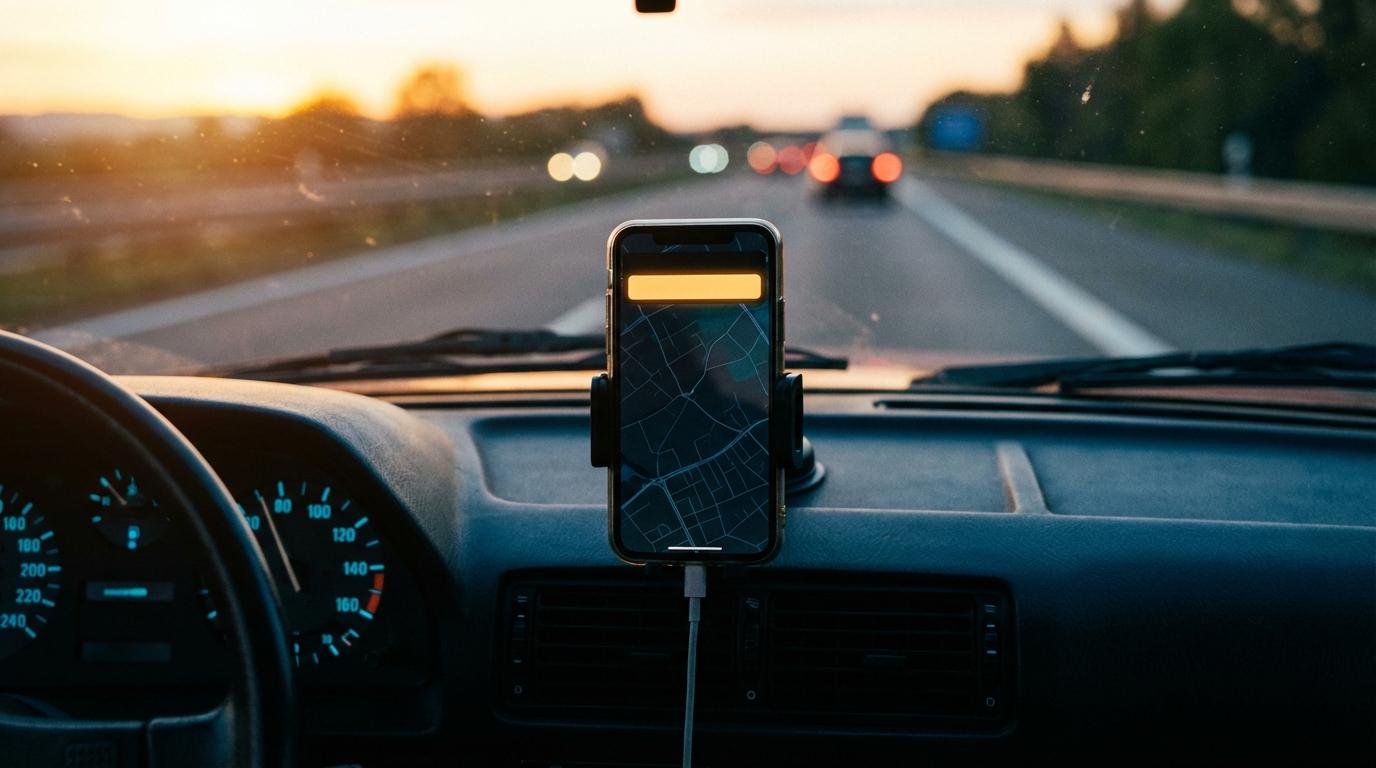
I used to lecture my friends about silencing every notification before pulling out of the driveway, and I was wrong about half of it. Phone face down, everything muted, deal with the pile at the destination. I said it often enough that Dev started repeating it back to me as a joke (he also believed it, which turned out to matter).
The drive that changed my mind was Atlanta to Savannah, a handful of cars on a long, flat stretch of I-16. Somewhere past Macon the rest of us decided to pull off for gas and an early lunch at a Cracker Barrel, and Priya, riding in the passenger seat of the lead car, typed it into our Konvoyage trip chat before she even put her blinker on. Dev was in the second car with his phone in the cupholder, notifications off, following our taillights by sight. He didn’t see the message. A truck got between him and us right at the exit, so he didn’t see us leave the interstate either, and he kept going for about twenty minutes before he noticed that none of the cars around him were ours. By the time he called, he had already turned around across a grass median to come back, which was the scariest thing anyone did that whole weekend.
He’d done exactly what I had been telling everyone to do for years.
Why “mute everything” didn’t hold up
Hospital staff have a name for the problem that made Dev mute everything in the first place: alarm fatigue. A phone buzzes the same way for a promo email as it does for “we’re getting off here,” and after enough of the first kind most people stop reacting to the buzz at all. Muting everything fixes the noise but also throws away the few messages a driver in a group actually needs. What I wanted after Savannah was a filter where almost nothing gets through while I’m driving and whatever does get through is worth a glance.
So I went through what Konvoyage actually puts on my lock screen when the app isn’t open (it’s a shorter list than I expected) and decided which of those I’d let interrupt me.
Messages from the group
Chat messages and quick messages both arrive as phone notifications with the sender’s name on top. The quick messages are the ones I care about at highway speed. “Wait for me” is a single tap for whoever sends it, and so is “Go ahead without me” (the notification shortens that one to “Go ahead”, which looks oddly bossy on a lock screen). Typed chat comes through the same way, which is how Priya’s gas stop message would have reached Dev if his phone had been allowed to show it.
A quick message gets a glance from me, because those are short by design and almost always change what I do in the next few minutes. When it’s a long chat message and someone is in the passenger seat, they read it out. Alone in the car, I leave it until I’m parked, and if it really was urgent the sender will usually follow up with “Wait for me” anyway (my friends have learned this about me).
Police reported ahead
When someone in the trip taps Report Police, everyone else gets a notification saying that person “reported police ahead,” and anyone looking at the map sees a POLICE AHEAD banner instead. The button sits in the same quick message panel as Wait for me. I let this one through because it only matters for the next stretch of road.
Someone falling behind
This is the one I misunderstood at first.
I assumed it would warn me when the car behind me drifted back a little, and I was picturing a gentle nudge to ease off the gas. It doesn’t work like that. Konvoyage compares the person furthest back with the person furthest ahead, and once that gap passes about 10 kilometers in a straight line, everyone in the trip gets a notification with that person’s name, “is falling behind”, and the distance. If the gap keeps growing, the wording changes to “may have separated.” So it’s for the day somebody takes a different road, which on a long interstate drive is the situation I actually worry about.
It also wouldn’t have caught Dev, which I find a bit funny now.
The alert only fires when the person furthest back is still moving, since someone standing still has probably stopped on purpose. On I-16 the people furthest back were us, parked outside a Cracker Barrel with menus in our hands, so as far as the app was concerned nobody was falling behind. Dev was simply the person in front. There is a separate line that appears on the map screen when someone has been stopped for a while (“has stopped”), but that one only shows if you have the app open, not as a phone notification, and Dev’s phone was face down in a cupholder.
I still keep it on my short list. The day it does fire, someone has missed a split or followed the wrong car off an exit, and I’d rather know at the first warning than find out when we’re all standing at the destination doing a head count.
What would have saved Dev was the boring option: notifications on, and a chat message from Priya that he could have glanced at while he still had time to take the exit.
Dev’s side of it
Dev hasn’t fully come around. His argument is that any buzz while driving is a distraction no matter what it says, and the safest phone is a silent one, full stop. I asked him whether a quick glance at “Priya: getting gas, this exit” was worse than twenty minutes alone on a highway he didn’t know, ending in a median crossing, and he agreed it wasn’t, but he still thinks the principle should hold. We had that conversation in the parking lot after he finally got back, while his lunch sat on the table inside going cold. He did turn his notifications back on for the drive home (he says that was only so I’d stop bringing it up).
Setting it up before you leave
Telling yourself you’ll “only look at the important ones” doesn’t work, because the whole problem is that you can’t sort important from junk while you’re merging. The sorting has to happen in the phone’s settings before you start the car. Android notification channels let you mute entire apps while keeping specific alert categories active, and iOS Focus modes achieve something similar by routing only selected apps through your driving profile.
On Android, start in Konvoyage itself, where the Notifications switch in settings (“Chat and trip alerts when the app isn’t open”) needs to be on. Then in Android’s own notification settings for the app, the channel called Trip alerts carries the chat, Wait for me, police and falling-behind notifications, so leave that one on even if you mute other things. On my Pixel 7 I also added Konvoyage to the apps that can break through Do Not Disturb, alongside calls from starred contacts, and everything else stays silent until I’m in park.
Before you pull out, have someone in the trip tap Wait for me while your screen is locked. If nothing shows up, check the Trip alerts channel first, and if that’s already on, look at what your Do Not Disturb setup is letting through.