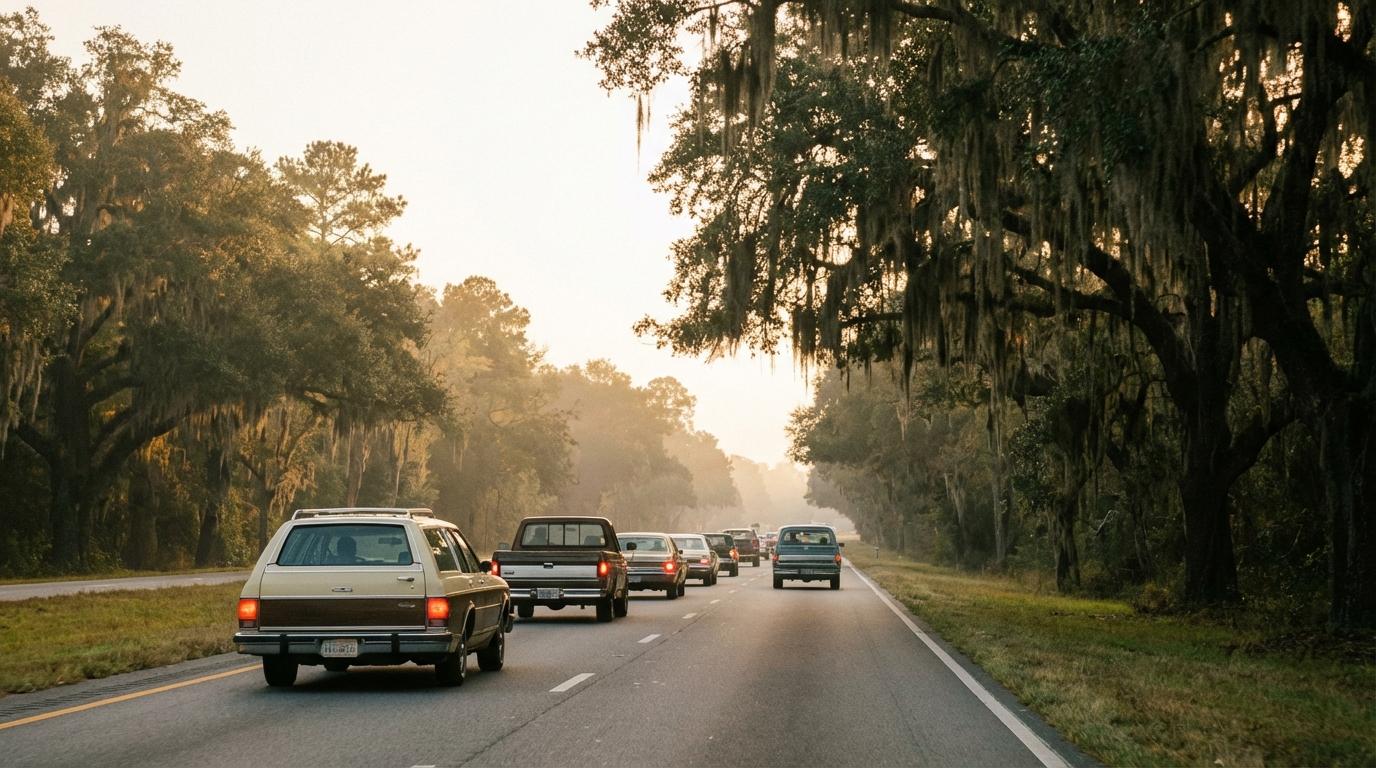
Five cars slowed down for one patrol car. We were on I-95 heading to Savannah, I was in the middle car, and nobody ahead of me had swerved or slammed the brakes. Lindsay, driving lead, had spotted a patrol car parked behind an overpass and reported it from her phone. A few seconds later every phone in the convoy knew.
Nobody called anyone, and nobody typed a word at highway speed.
Lindsay drives lead on almost every trip we do. We settled who goes first years ago, and it’s her because she reads the road better than the rest of us and doesn’t get bored at the front.
The Warning Never Made It to the Back
Before that trip, our police warning was a phone call. Lead car spots something and calls the car behind. Whoever answers is supposed to pass it back down the line. Plenty of times it went to voicemail. Other times it stopped with whoever picked up, because they forgot there were still cars behind them.
The year before, on a run down to Jacksonville, it went worse than usual. Lindsay saw a speed trap near the Florida line and sent a group text. My cousin Dev was in the last car. He read it later, parked on the shoulder with a trooper at his window, because the limit had dropped for a work zone and he’d missed the sign. That part is on him, and he says so himself. A warning he could actually have seen would still have had him looking at his speedometer before the work zone and not after.
Texting the group from behind the wheel is the worst option of all, and it’s still what most convoys do. I’ve written about why you should stop texting your convoy and use the quick buttons instead.
Two Taps
We’d switched to Konvoyage for group drives after the Jacksonville mess, and the police report lives in its quick message sheet. Hit the message button on the map, then tap Report Police. The app drops a red circle with a white exclamation mark at your current spot. Everyone else in the trip gets a red bar at the top of their screen saying you reported police ahead, or a notification if the app isn’t open.
Coverage on some of the South Carolina stretches is patchy, so this mattered to us. If you tap Report Police with no signal, the app tells you there’s no connection and that it will send when you’re back online. Lindsay hit that once outside Walterboro. The report went out about a minute later. Still beat a text Dev read on the shoulder.
It’s easy to miss the bar if you’re watching the road, which you should be. What mattered on I-95 came as each car got closer.
When you get within a kilometre of a reported spot, a banner slides down from the top of the screen. It says POLICE AHEAD with the distance underneath. Your phone buzzes. After 8 seconds the banner gets out of the way on its own, or you tap it to clear it sooner. Lindsay never sees a banner for her own report, which is fine, since she’s the one who saw the cop.
Raj was right behind me. “I saw the banner before I saw the cop car,” he told me at the gas station afterward. From where he was, the patrol car was hidden behind a concrete pillar until you were nearly level with it. He checked his speed, came off the gas a little, and went past at the limit.
If you want this so you can speed everywhere else, it’s the wrong tool and the wrong idea.
For us the banner works as a nudge to look down at the speedometer. Most of the time we were already fine. A couple of times we weren’t, and I was one of them, doing a bit over on a long empty downhill where the car just drifts if you let it. I’d rather find that out from a buzz on the dash mount than from a trooper.
Reports Disappear After 30 Minutes
Once that time is up, a report clears itself. The marker goes off every map in the trip and nobody gets banners for it anymore. I like that a lot. Patrol cars move, and a red dot from this morning would just teach everyone to ignore red dots.
You can also take one down early if you reported it by mistake or the officer has clearly left. Tap your own marker and the app asks whether to remove it for all trip members. There’s a “Remove my police reports” link in the quick message sheet too, which clears every report you’ve made. Only your own, though. Lindsay found that out trying to delete the one Raj had dropped on a tow truck parked on the shoulder, which he insists looked like a cruiser from where he was sitting.
It’s in the Replay Too
After the trip everyone got a replay link, and the reports show up in it. Lindsay’s siren pin sits right where she tapped, and the Timeline panel lists the report with the clock time next to it. The pin only stays up for the same 30 minutes of trip time, so it vanishes when you scrub past that, same as it did on the road. If your group ever sits down for a trip replay after a long drive, this is the bit people want to rewatch.
We opened ours the night we got to Savannah. You can see her pin appear, then the dots behind her slowing one after another as each car gets close. Nerdy, I know.
The drive home two days later had no reports at all. Dev drove last again and made a point of reading every work zone sign out loud to his passenger, who did not find this as funny as he did. Somewhere north of the Georgia line I looked in the mirror and thought about that afternoon going down, with all five sets of brake lights coming on gently, one car after the next, and nobody reaching for a phone.