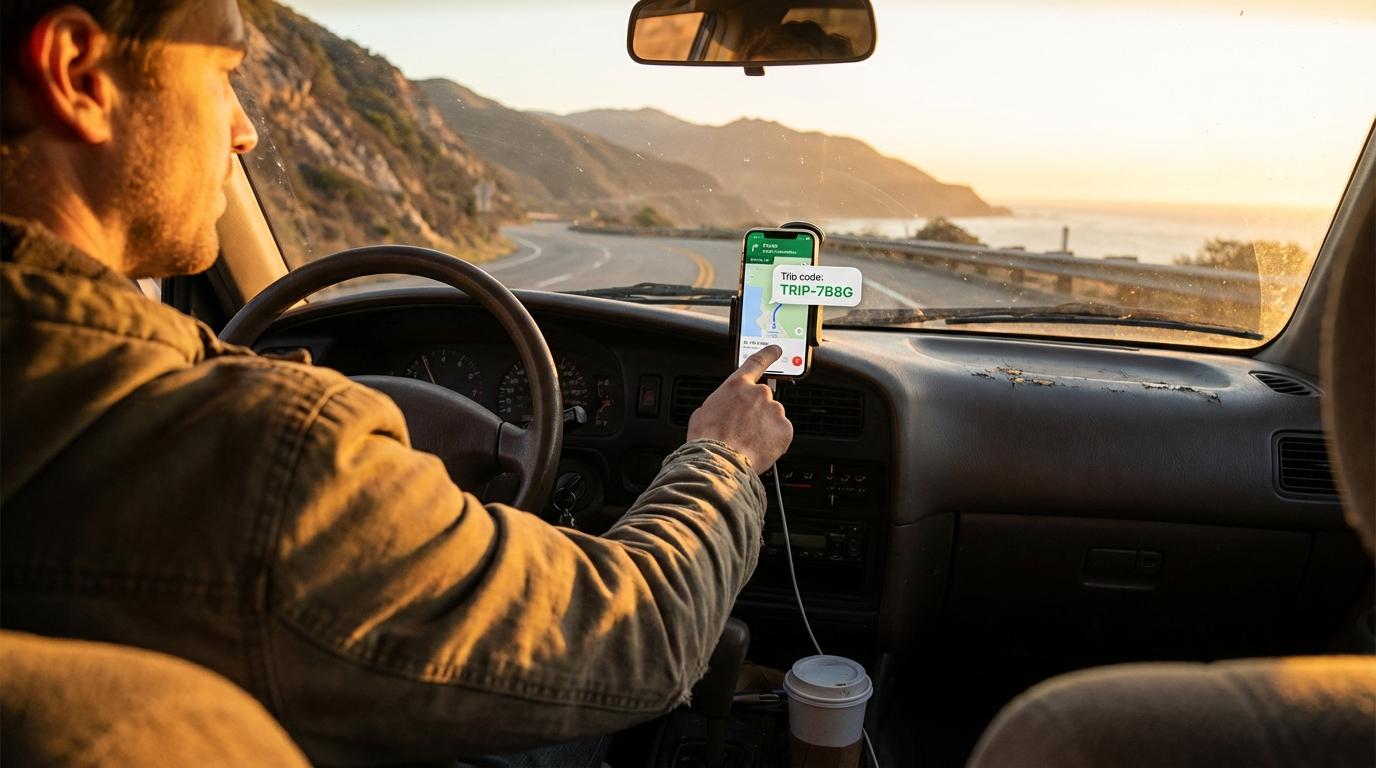
Reading a trip code over a phone call leads to mistakes that have little to do with how clearly you speak, because a phone line squashes an S and an F into almost the same hiss, and the person on the other end types whichever one their brain picks.
I found this out on a trip to Big Bend a couple of years ago. My friend was already on the road, riding in his brother’s car, when he noticed he wasn’t in the trip, so I called him and read the code off my screen. He typed what he heard and got an error. I read it again, slower, and he got the same error, and we kept going back and forth on speaker for almost five minutes before I worked out that he had been typing an F every time I said S. His brother, who was driving, had opinions about all of it and shared them loudly enough for me to hear.
What I should have sent him was a link, which is what the Share Code button in Konvoyage makes.
Share Code sends a link with the code inside it
After you create a trip, the code appears on screen with a Share Code button under it. Tapping it opens Android’s share sheet, so the invite goes out through whichever messaging app your group actually reads, and the message it builds says “Join my convoy on Konvoyage!” followed by a konvoyage.com link that ends in your code. The same button sits in the member list once the trip is running, which helps when someone gets added to the plan late. If you are still alone in a new trip after a couple of minutes, the app also puts up a “Nobody’s here yet” card with a “Share the code” button that does the same thing.
For a long time I treated the link as decoration around the code, but most people I send it to tap the link and never look at the code at all.
What happens on the other phone
If your friend already has the app, tapping the link opens Konvoyage on the Join screen with the code already in the boxes and their name filled in from their Google account. Someone who hasn’t signed in yet gets the Google sign-in first, and Join opens right after with the code still waiting. They still have to tap Join themselves. (People sometimes assume the link joins them automatically, but it only does the typing, which I think is the right call, since nobody should start sharing their location because of a mis-tap in a group chat.)
The part I find more interesting is what happens when the app isn’t installed. That link points to a page on konvoyage.com, and on an Android phone that page immediately tries to hand the link over to the app. When there is no app to take it, Chrome follows a fallback address to the Play Store listing, and that address carries the trip code in a referrer parameter. Google Play keeps that parameter through the whole install and hands it back to the app the first time it runs, through something called the Install Referrer API. Normally a trip through an app store wipes out whatever context the person arrived with, which is why so many apps ask you to go find the original message again after installing. Here your friend installs the app and, once past the welcome screens and sign-in, lands on Join with the code in place without ever having read it.
One case caught me off guard. When the person tapping the link is still in another trip, the app doesn’t pull them out of it. Instead it shows a note telling them to leave that trip first, with a Leave button right there, and the new code waits until they do.
I am still figuring out the fastest workflow when my group has a mix of iPhones and Androids. The share sheet behaves differently on each platform, and getting Konvoyage working across both adds a small layer of “which messaging app does everyone actually check.” For now, I default to regular SMS for mixed groups. It is the lowest common denominator, and it works.
Paste the whole message if you’re joining by hand
Some people open the app first and go to Join on their own, and there is a shortcut most of them miss. Copy the entire invite message, link and exclamation mark included, then long-press any of the code boxes, and the app pulls the code out of the clipboard and fills all six boxes in one go. It also ignores stray spaces, so the old advice about a copied code failing because of an invisible trailing space doesn’t apply here (pasting drops anything that isn’t a letter or a digit before it fills the boxes).
No QR code, and I don’t miss it
There is no QR code in the app, which surprised a friend who expected to point his camera at my screen in a parking lot before we split into cars. When everyone is standing together, I send the link to the group chat anyway. It is the same tap whether they are next to me or across town, and the invite stays in the chat for whoever turns up late and needs it after everyone else has left.
Holding your phone up and letting people copy the code off the screen works too, but it has the same weak spot as the phone call, since a 0 and an O look a lot alike in a hurry.
My friend from Big Bend got a link for our next trip and joined from the passenger seat before I had finished loading the car. He still brings up the S and the F whenever I offer to read him anything over the phone.