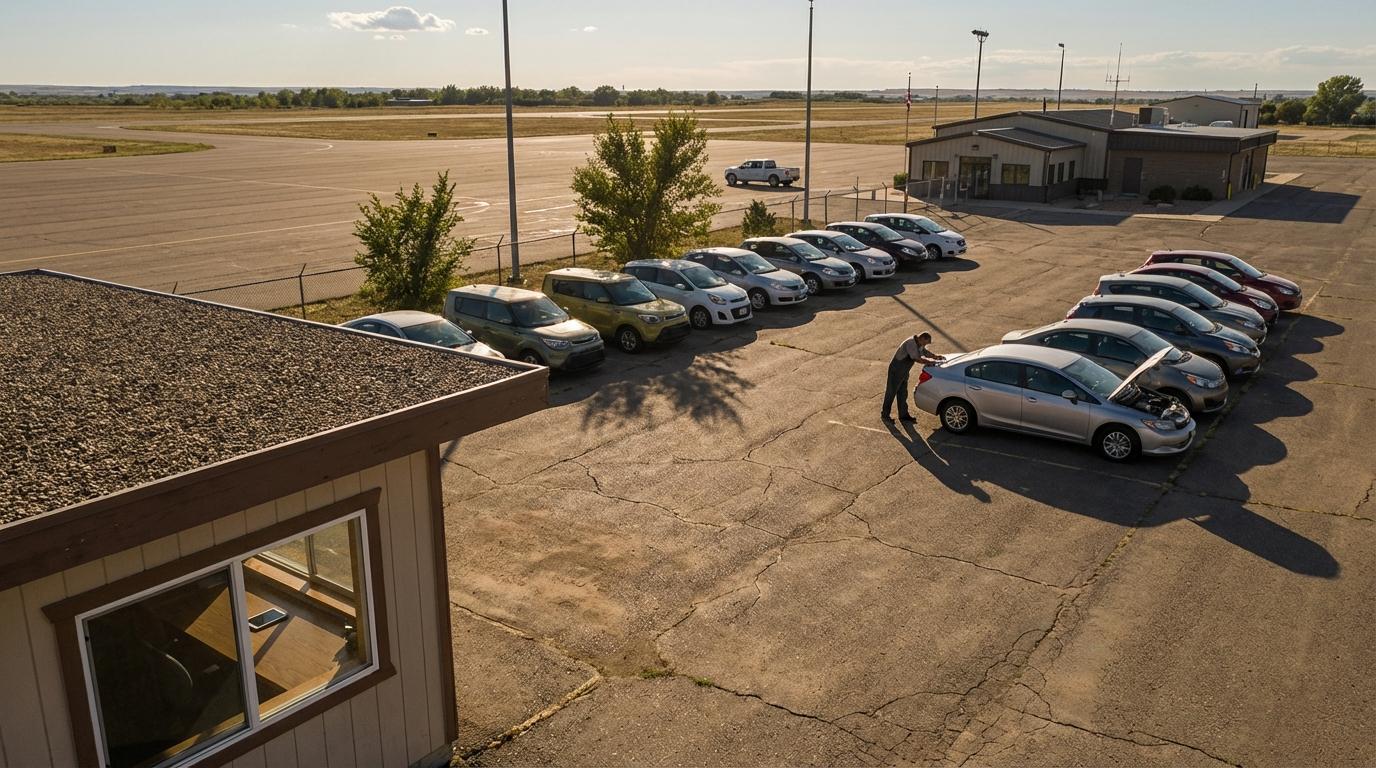
Three of my neighbor Vikram’s rental cars drove around for weeks without anyone tracking them. He runs about fifteen vehicles near a regional airport in upstate New York, and every one of those gaps traced back to a dealership service visit where a mechanic unplugged the GPS tracker harness to get under the dash and never plugged it back in.
“I spent $400 a car on those trackers and three of them weren’t even plugged in,” he told me over the fence one Saturday morning. He only noticed because he sat down and compared his open rental agreements against the tracker screen by hand, which is not something a small operator does every week.
Then he asked me whether he could swap the hardware for an app on the renter’s phone, and I told him no, then spent the rest of the morning working out with him where phone tracking does fit in his business.
Why the tracker kept going dark
A hardwired tracker is spliced into the car’s wiring and meant to stay there for the life of the vehicle. Rental cars don’t sit still long enough for that to work. They go to the dealer for recalls, to the body shop after a parking lot scrape, to the detailer, and eventually to auction, and at each stop somebody who didn’t install the unit has to work around it. Nobody on Vikram’s side checks the hardware when the car comes back, because nobody owns that job. When the unit goes silent, his tracking screen just keeps showing the last position it got, so a car that’s out on rent two states away looks like it’s parked at the dealership.
I’m not going to tell him to rip the trackers out. For knowing where a customer has taken your car, a box in the car is still the right tool, and his real problem gets fixed by someone at the service desk checking that the unit reports before the car goes back out.
What Konvoyage can’t do for a rental lot
Konvoyage tracks people, through the app on their own phone, while they’re in a trip. It doesn’t attach to a car. If a renter drives off with one of Vikram’s sedans, he has no way to see that car unless the renter installs the app, signs in with their Google account, joins a trip he created and keeps it running. No customer is going to do that for a weekend at a wedding, and Vikram shouldn’t want them to.
It also won’t warn you when a car leaves a set area or when someone switches tracking off. If you need that for theft or late returns, that’s a job for the hardware.
Where it fits: your own people moving cars
Most of the driving a rental company pays for isn’t done by customers. Vikram has two part-time drivers who shuttle cars between his airport lot and a smaller office in town, and now and then one of them runs a car out to a customer’s hotel. Those trips are exactly the ones he wants to see, and those drivers are already carrying Android phones.
The setup is short. He creates a trip in the app, picks how long it lasts, and gives his drivers the 6-character code. Once they sign in with Google and type the code, they show up on his map. Location keeps updating with the screen off, every few seconds while they’re moving, so he can see one driver on the highway back from the dealer and the other sitting at the town office. Each driver also gets turn-by-turn navigation inside the app; that helps when you send a new hire to a body shop he’s never been to.
When I was driving deliveries I spent a lot of mornings parked outside the wrong loading door because the route sheet had the old address. A dispatcher who could see my dot would have called me before I finished my coffee.
The hotel drop-offs are where Vikram got interested. A live view link from the team trip would show the customer everyone in that trip, so for a hotel run the driver uses “Share my drive” instead, puts in the hotel as the destination and sends the link to the customer and to Vikram. It opens in a browser with no app and no account. The customer sees the driver’s dot moving toward the hotel pin with an arrival time like “arrives 14:32,” which kills the call from the lobby asking how far away the car is. Nobody can send anything back through that page, and it stops on its own when the driver arrives.
After a trip, everyone in it gets a replay link that opens in a browser and works for 30 days. It shows the dots moving across the map and a timeline of who joined, who arrived and when. If a customer says the car showed up an hour late, Vikram can check instead of arguing.
None of this tells him where the car goes once the customer has the keys. It covers the part of the day when his own staff are behind the wheel, which on a busy Friday is most of the moves his lot makes.
The limits on the staff side
Phone tracking only works while the phone is on and the driver is still in the trip. If a driver leaves the trip or the phone dies in a dealer waiting room, the dot stops moving and nothing pings Vikram about it. With two drivers he handles that by talking to them. He told them the map is how he knows when to have the next car washed and ready, and since then he calls them a lot less.
You also need to tell your staff plainly that you can see them during the trip. Location is only collected while they’re in a trip, and the saved location points are deleted after about 30 days, which is worth saying out loud when you hand them the code.
There are other write-ups on hardware trackers versus phone tracking if you want the long version. Vikram kept the hardware on the cars and uses phones for the drivers who already work for him.
What I’d do this week
Pull your list of active rentals and check each car against your tracker screen. Any unit that hasn’t reported since its last service visit needs to go back to the shop, and from now on someone at the desk should confirm the tracker is reporting before a serviced car goes back on the line.
Then write down every move your own staff made last week: transfers between branches, dealer runs, deliveries and collections. If that list is long and you spent a lot of it on the phone asking “where are you now,” that’s the part to try with phone-based team tracking. Start with one driver and one branch transfer, and send a “Share my drive” link on the next hotel drop-off to see how the customer reacts.