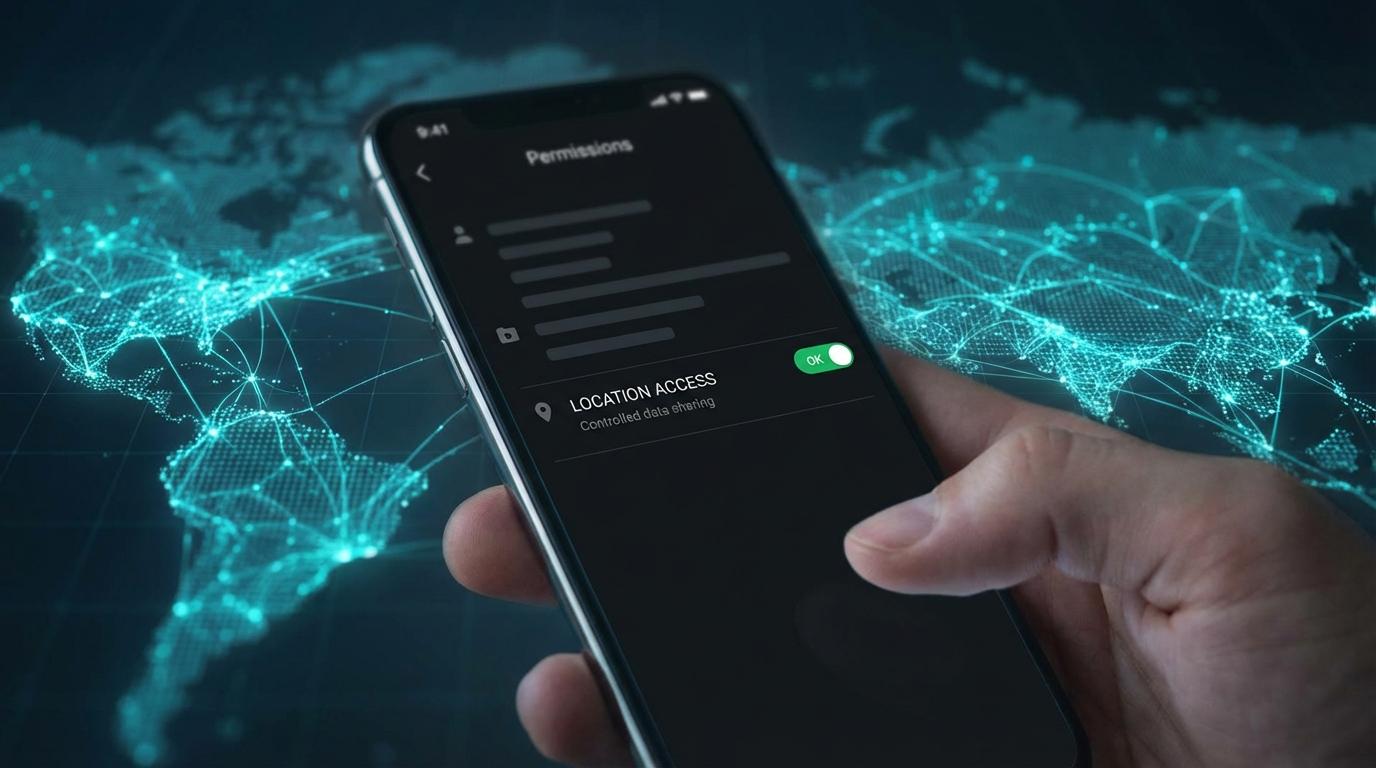
I left location access on “Always” for a sushi delivery app for most of last year, which is embarrassing for someone who keeps a printed packing list in her glovebox. Not that I ordered sushi often. The setting stayed because I never went back after the first tap. That app could log my gym visits and every late drive home, and it was free to send that data wherever its privacy policy allowed (I did eventually read it, and the words “trusted partners” were doing a lot of work).
Your phone works out where you are from GPS and, when the GPS signal is weak, from nearby Wi-Fi networks. It hands the result to whichever app asked. What happens after that is up to the app. A map app draws you a blue dot, while some apps pass the same coordinates on to advertising and analytics companies, usually mentioned far down the privacy policy in phrases like “improving your experience.”
I used to think the answer was to switch location off for everything. I’ve since changed my mind (more on that further down).
The Permission Tap That Haunts You
When a new app asks for your location, you’re usually in the middle of something else, like setting up an account or trying to pay for parking before the warden reaches your car. The request shows up when you’re least likely to read it carefully, and most of us tap whatever makes it go away.
The option you pick matters more than the dialog makes it look. “While using the app” means the app can see your location when it’s open on screen. “Allow all the time” (or “Always,” depending on your phone) means it can check where you are with the phone in your pocket, or at three in the morning while it charges on the nightstand. Most phones now also let you turn off precise location for a single app, so it only gets a rough area (a weather app doesn’t need to know which side of the street you live on).
Audit First, Then Decide
Before you change anything, look at what you’ve already granted. On Android, open Settings, then Privacy, then Permission Manager, then Location (some phones put Privacy inside “Security and privacy”). iPhones keep it under Settings, then Privacy and Security, then Location Services. Both platforms show every app with location access and the level each one holds.
The first time I did this I found a calculator app with location permission. A calculator! Next to it sat a QR code scanner I’d downloaded at a restaurant eight months earlier, opened once, and apparently allowed to follow me ever since. Four shopping apps were set to “Always,” and I don’t remember choosing that for any of them. I’d like to blame the apps for all of it. Some of it was me tapping Allow to get to a coupon faster.
For each app, ask whether it needs your location for the thing you actually use it for. Map and navigation apps need it, and so does a location-sharing tool designed for group coordination. A weather app might (though typing your city works fine). If it’s a flashlight or a game where you match colored candies, revoke it on the spot.
For the apps that pass, switch them to “While using the app” unless you have a specific reason not to.
The background location problem
“Allow all the time” lets an app check your location when you’re not looking at it, including weeks after you last opened it. Nothing on the screen tells you unless you know where to look.
A few apps have an honest reason to need it. Turn-by-turn navigation keeps working with the screen off because you’re driving and shouldn’t be staring at the phone, and a convoy app that keeps your group’s dots moving across several cars has the same need. That trade feels fair to me when I know it’s happening. Konvoyage, for example, only collects location during a trip and keeps a notification up while it’s sharing yours. Leaving the trip turns it off. A food delivery app checking where you are every few minutes so it can push “Hungry?” notifications is a different arrangement. I don’t think it deserves the same permission, and I’ve stopped giving it.
Both Android and iOS now show indicators when an app accesses your location. On Android, watch for a small icon in the status bar, and on iOS, look for the blue arrow. If one lights up while you haven’t opened anything that should need it, go back to the location list and find the app with “all the time” access.
Going Deeper: Spoofing and VPNs
If you want more control, there are a couple of extra layers.
Android has a developer option called “Select mock location app” that lets a spoofing tool replace your GPS coordinates. Every app on the device then gets the fake position. Developers use it to test location features, but some privacy-minded people use it to feed untrusted apps nonsense. Be warned that it also confuses the apps you do want to know where you are. If you rely on navigation, you’ll be switching it on and off constantly (I tried it for a while and gave up after missing an exit).
VPNs work differently. A VPN won’t change your GPS position, but it hides your IP address, which apps and websites fall back on to guess your location when they don’t have GPS permission. Routing your traffic through a server somewhere else makes that guess point to the wrong city.
Someone with your nearby Wi-Fi networks and cell tower data can still get a rough idea of where you are without GPS. None of this makes you invisible, and that isn’t really what I’m after. I’d settle for making it harder for a candy-matching game to learn my commute.
Where I landed on this
I kept wanting to tell people to just turn it all off, because that’s simpler advice, but I don’t follow it myself. When I use a cross-platform navigation app on a road trip with friends, I want everyone’s live location on the map, since the sharing is the reason I opened the app. A social media app logging every coffee shop I visit so it can sell ads against it uses the same technology for something I never asked for.
My test now is whether I can tell when it’s happening and switch it off when I’m done. If I can’t, the permission goes.
Check Again in a Few Months
New apps ask for permissions when you install them, and existing apps sometimes ask again after an update. Left alone, the list on your phone grows.
Android helps a little. It can remove permissions from apps you haven’t opened in months (look for “Remove permissions if app isn’t used” or “Pause app activity if unused” on the app’s info page, and make sure it’s on). Both platforms also send the occasional notice that an app has been using your location in the background. Those are easy to swipe away. If you get one, tap through and check the list, and if the app it names is something you opened once at a restaurant, revoke it there and then. For an app you rely on, set it to “While using the app” and see whether anything actually breaks.
I keep a calendar reminder for the first Sunday of every season, and the check takes me about two minutes now that I know which apps belong on the list. When something new shows up with “all the time” access, I either switch it to “While using” or delete the app, depending on whether I can remember why I installed it.