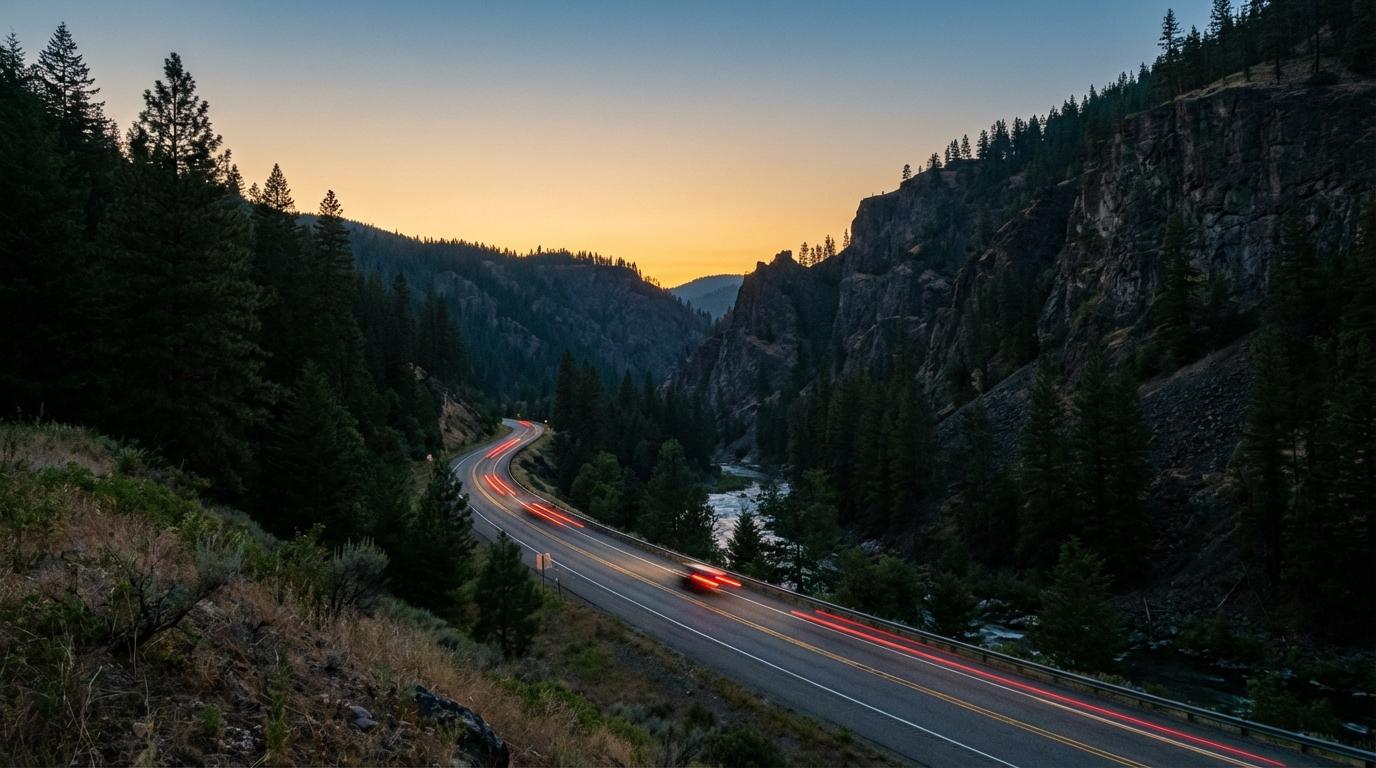
Plenty of people assume the blue dot on a phone map needs cell service to move. It doesn’t, and I found that out in Kings Canyon National Park, when my friend Amir was leading our four-car convoy down past the General Grant Tree area and every bar of signal on my phone disappeared. I expected the dot to freeze, the way a web page stalls when the data runs out. Instead it kept sliding along the road at the right speed, around every bend, with an empty signal icon in the corner of the screen.
Amir’s dot stopped moving somewhere behind a ridge, and so did the dots of the cars behind me.
Your phone finds itself without any help from a tower
A GPS receiver only ever listens, and the satellites it listens to broadcast where they are and the exact time. The chip in your phone compares how long the signals from at least four of them took to arrive in order to work out its own position (the extra satellite is there to correct the phone’s clock, which is nowhere near as accurate as the atomic clocks on board). No cell tower takes part in that calculation. Your carrier could switch off every tower in the county and the receiver would carry on, as long as it can see enough open sky.
There’s one wrinkle people bring up, and it’s real but small. Phones use Assisted GPS, which downloads satellite orbit data over the cell network so the first fix arrives in seconds rather than minutes. Once the receiver has locked on, it doesn’t need that help to keep tracking you. Where A-GPS matters is when you switch the phone on, or open a map for the first time that day, already deep inside a dead zone, because then the first fix can take a while. (Phones also lean on nearby Wi-Fi and towers to place you roughly, which is why indoor location gets worse without data, but on an open road with sky overhead that barely matters.)
What cell service carries is everything that has to leave your phone. Konvoyage sends your position to its server over a live connection and gets everyone else’s positions back the same way, so when the signal goes, your phone keeps working out its position but can’t send it anywhere.
What the group actually sees when one phone drops out
Konvoyage notices a dropped connection at both ends. On your own phone a “Reconnecting…” banner appears across the top of the map, and the app keeps trying to reach the server by itself, quickly at first and then backing off to an attempt every 30 seconds or so. Your own dot keeps moving, since that comes straight from GPS. Meanwhile the server, once it notices your connection is gone, tells everyone else in the trip that you’ve gone offline.
On their screens your dot stays at the last place they heard from you, faded, with a label reading “no signal” and how many minutes ago that last point arrived. The same fade kicks in if a friend’s points simply stop arriving for about a minute, even before the server has declared them offline, so a phone limping along on a dying connection gets marked too.
Anyone following the trip on a live view link in a browser sees the same “no signal” marker, which matters if someone at home is watching, because a faded dot parked in the middle of a forest looks a lot worse without that label.
The part I find most interesting happens when the signal comes back. While you’re offline the app doesn’t throw your positions away; it keeps buffering them on the phone, up to roughly an hour’s worth, and once the connection returns it sends them with their original timestamps attached. The server sorts them by age. Anything older than about 30 seconds goes into the trip history only, where it fills in the trip replay without ever dragging your live dot backwards along road you already drove, while the freshest points go out live and put your dot where you actually are. That’s why the replay afterward follows the real canyon road through the gap instead of drawing a straight line across a mountain. It also explains something I’d noticed without understanding: if someone reaches the destination while offline, the app still counts them as arrived once their buffered points land.
Chat messages you type in a dead zone queue up as well, with a note from the app that they will be sent when you’re back online, and they go out once you are.
Navigation is the part that can actually strand you
Turn-by-turn guidance comes from Google’s Navigation SDK, and the moment it truly needs a connection is when the route is requested. If you start navigating while you have signal, the route is already on your phone and guidance generally carries on through the dead zone, voice prompts included, because following a route you already have is mostly GPS plus arithmetic. The map behind the route can look patchy in places your phone never loaded. Try to start navigation after the bars are gone, though, and the route request fails: Konvoyage shows “No internet connection. Connect to the internet and try again.” and you’re stuck until you find signal.
Missing a turn out there is where it gets unpredictable. Working out a new route needs Google’s servers, so a wrong turn in a dead zone can leave you with prompts that no longer match the road you’re on until coverage returns, and I don’t take detours or “I think this is a shortcut” turns until the phone has bars again.
The app shows its own tip suggesting you download offline maps in Google Maps before driving through areas with poor signal. I do it, mainly because it gives me a separate map app that works with no data at all if something goes wrong with the route. Whether it helps rerouting inside Konvoyage is another matter, and I haven’t seen anything saying the Navigation SDK uses those downloads, so to me it’s a backup app on the same phone.
Eighteen minutes of faded dots
Back in the canyon that October afternoon, we drove for about eighteen minutes with everyone else’s dot faded on my screen and nothing but headlights in the mirror to tell me the cars behind were still there. Amir had told everyone at the last gas stop to keep going to the trailhead lot on the far side if we got split up, so nobody pulled over to wait for signal. When my phone finally caught a bar on a bend near the bottom, the dots brightened and jumped forward along the road within seconds, Amir well ahead in his Subaru and the cars behind me spaced out roughly where I’d guessed. The only complaint anyone had afterward was about how fast Amir takes switchbacks.
We were heading to a campsite with no real street address, and finding a place with no real address took more effort than the dead zone did.
Before the bars disappear
If you know a dead zone is coming, most of the work happens at the last stop with signal. Everyone who’s navigating should start their route there, before pulling out, and it helps to agree on a meeting point on the far side that someone can describe by a landmark, like a named gas station or a trailhead sign, since a dropped pin is no use to a person whose phone can’t load it. Tell the group plainly that if they lose sight of the others, they keep driving to that spot rather than stopping on a narrow shoulder. Mountain roads are where this comes up most, and I covered some of the same ground for ski groups on mountains where signal is already unreliable.
If your plans involve whole days with no signal, you want a satellite messenger, since Konvoyage needs a connection to share anything at all. For a canyon or a pass you drive through and out of in under an hour, the app copes on its own as long as everyone started their route before the bars went.